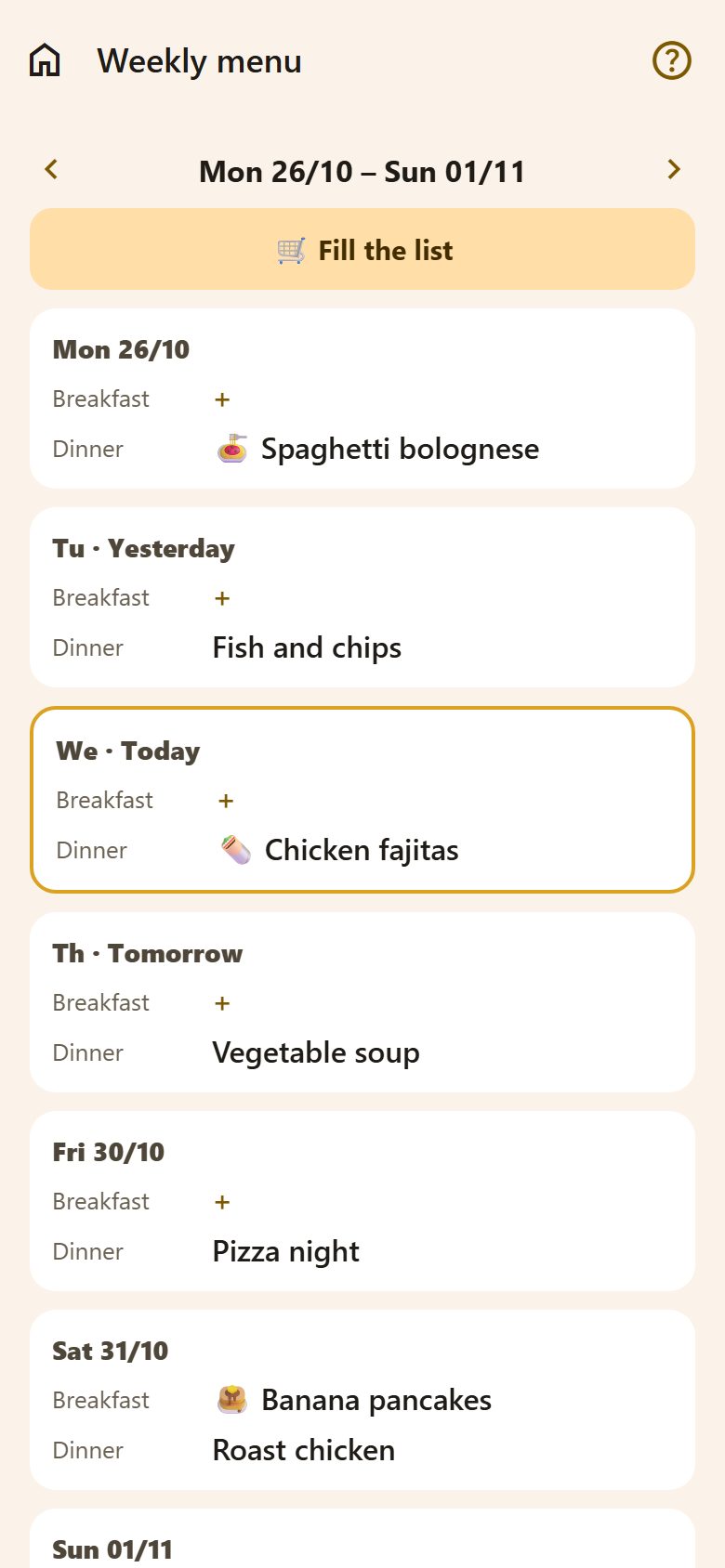
Planning the week
- ‹ › at the top move a week back or forward.
- Each day shows Dinner. + Breakfast and + Lunch at the bottom add those rows too.
- Tap + (or a dish) to choose what's there:
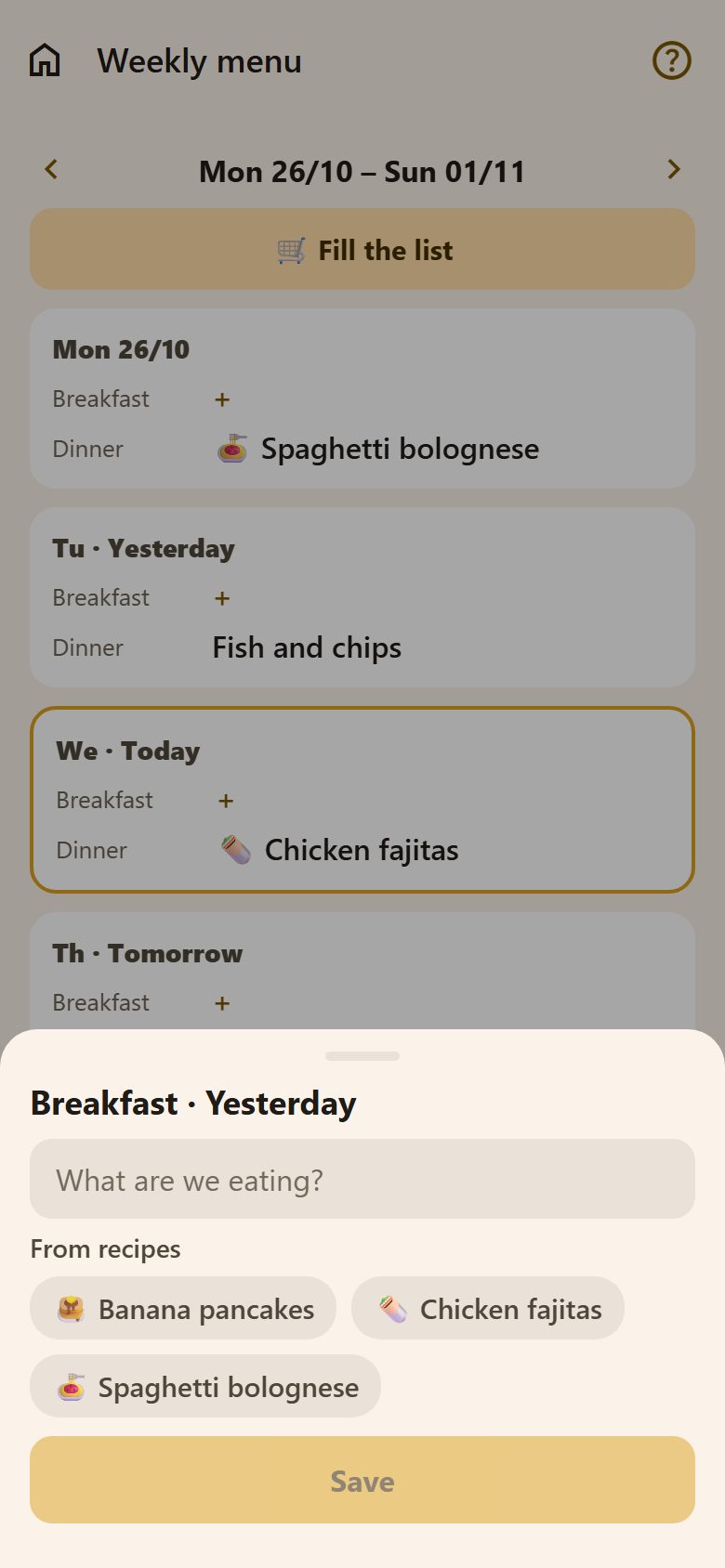
- write it — "Fish and chips", "Pizza night";
- or pick one of your recipes — it shows with the recipe's picture, and its ingredients count for the shopping.
Parents plan the menu; children see it — and what's for dinner tonight also shows on the Family tab.
Fill the list
🛒 Fill the list gathers the ingredients of every recipe on this week's menu. Tick what you already have, then Add N items — the rest goes to the shopping list in one go.
Suggest my week
With the AI assistant on, parents see ✨ Suggest my week: it fills the empty dinners from your recipes and everyday dishes, without repeats. Everything it fills can be changed.
Questions
Can a child change the menu? No — children see it; parents plan it.
Can I plan next week already? Yes — › at the top, then plan as usual.