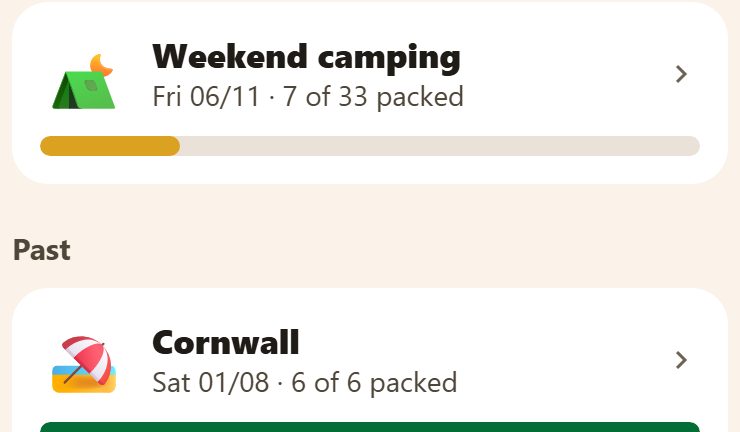
A new trip
+ at the bottom right of Packing (parents).
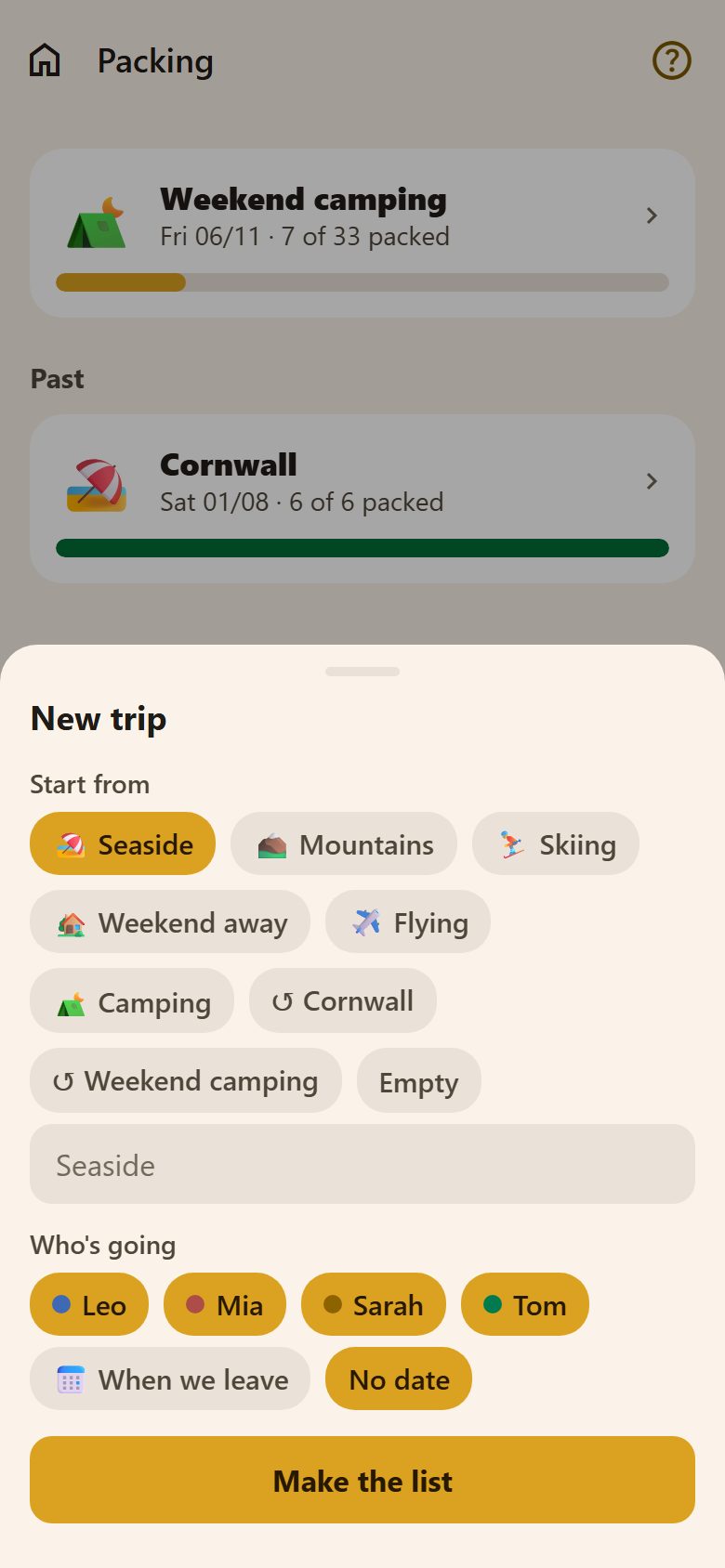
- Start from: a template — Seaside, Mountains, Skiing, Weekend away, Flying, Camping — or ↺ an earlier trip (its list again). Pick none and the trip starts Empty.
- Name: leave it empty and the list takes the template's name, or write your own ("Camping at the lake").
- Who's going: everyone is picked; tap to leave someone out.
- When we leave, or No date.
Make the list: the shared things (tent, first aid kit, chargers) are added once, and the personal things (sleeping bag, toothbrush) once for each person going. From an earlier trip, only the things of the people going this time are copied.
Packing
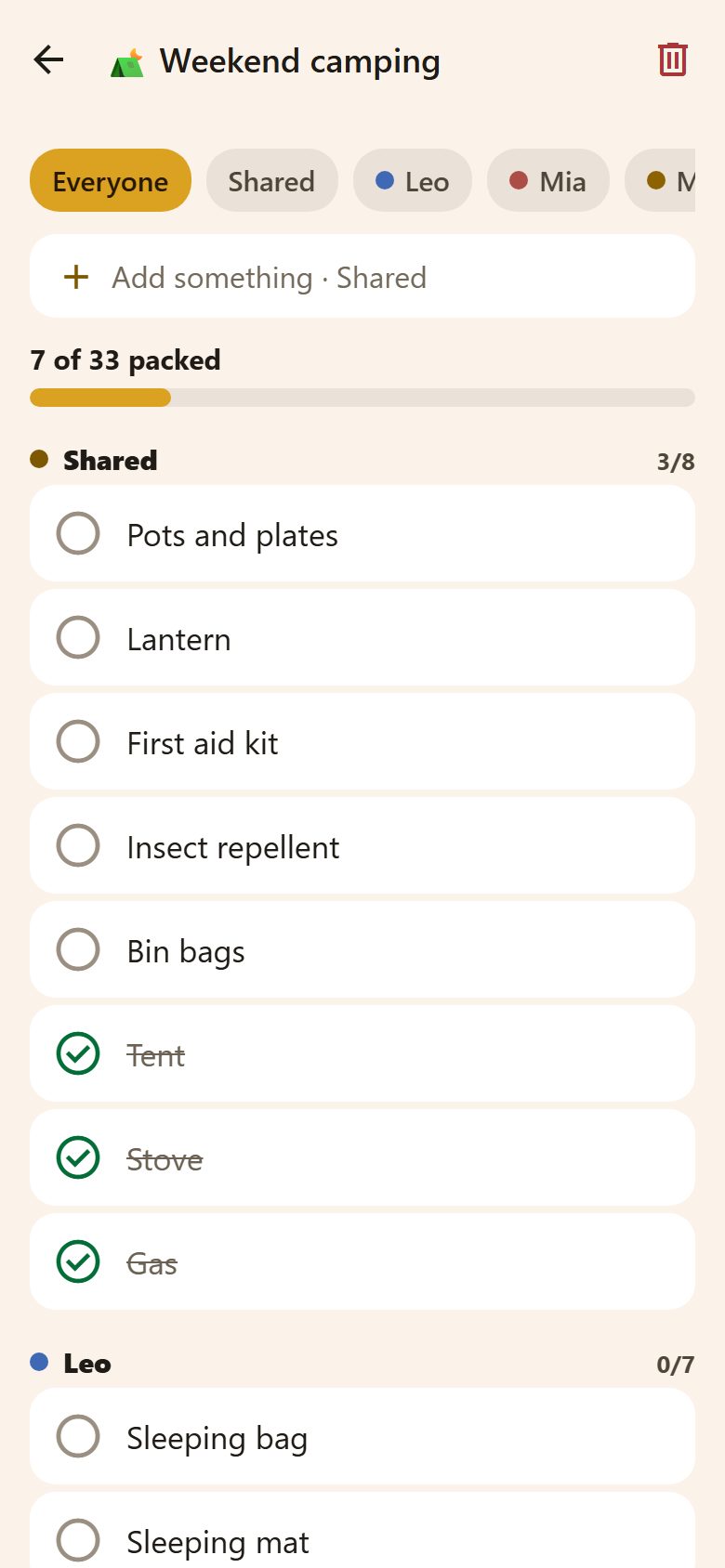
- Tap a thing to tick it — it's in the bag — and tap again to untick. Ticked things move to the bottom of their group.
- The chips at the top show Everyone, the Shared things, or one person's.
- + Add something adds to what's shown: from Everyone or Shared to the shared things, from a person's chip to that person's.
- Swipe left on a thing to delete it, or hold it to rename or delete it (handy with a mouse).
- When the last thing is ticked: All packed! 🎉
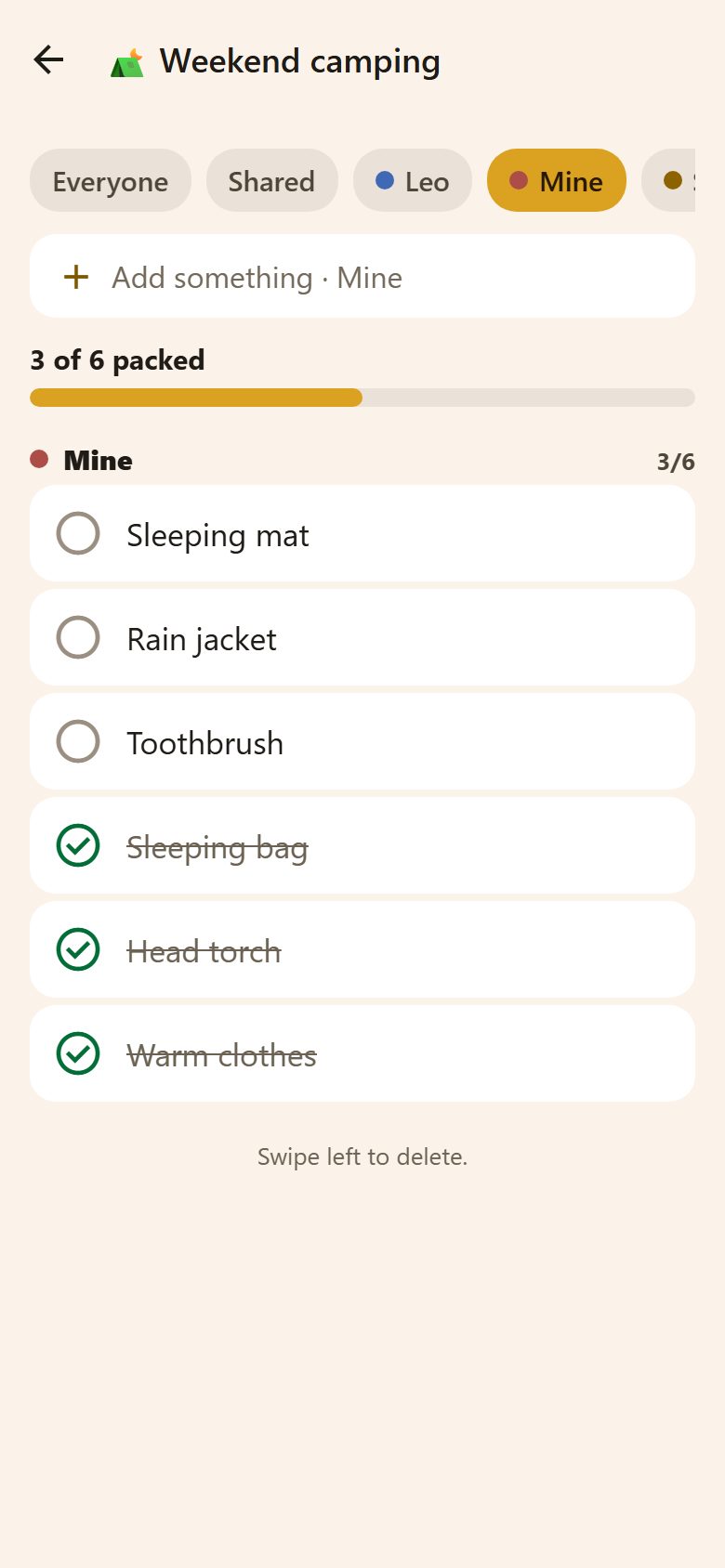
Children open the list at Mine — their own things — and tick and add to it themselves. Parents make and delete the lists.
Sharing outside the family
At the bottom of a list, parents have Share a link: anyone with it sees the list — no app, no login. Handy for a school camp ("here's what to pack"). Stop the link turns it off.
Questions
Can I change a template? Not the templates themselves — but start from one, change the list, and next time start from ↺ that trip.
Does the date remind anyone? No — it's to sort the trips. Add a task like "Pack for camping" with a reminder if you want one.