Lanibo in your phone's calendar
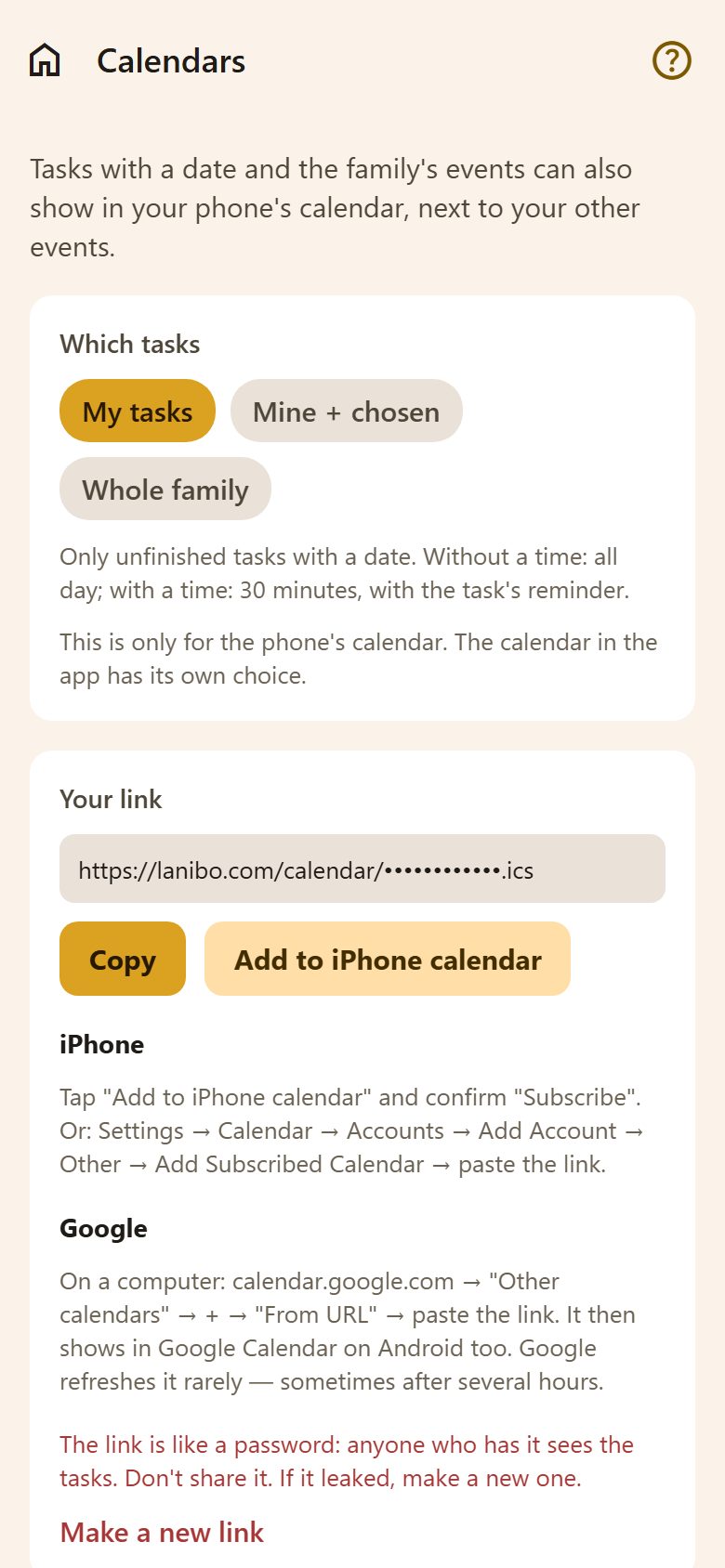
Which tasks: My tasks, Mine + chosen (your own plus whose else you pick) or Whole family. Only unfinished tasks with a date go in — without a time as all-day, with a time as 30 minutes with the task's reminder. The family's events go in too.
- On a phone: turn on Write tasks into the phone's calendar. Lanibo makes a calendar called "Lanibo" next to your others and keeps it up to date while the app is open. Turning it off removes it.
- On a computer: Your link — Add to iPhone calendar subscribes to it, or paste it into Google Calendar on a computer (Other calendars → + → From URL). Google refreshes such links only every few hours.
Google Calendar, both ways
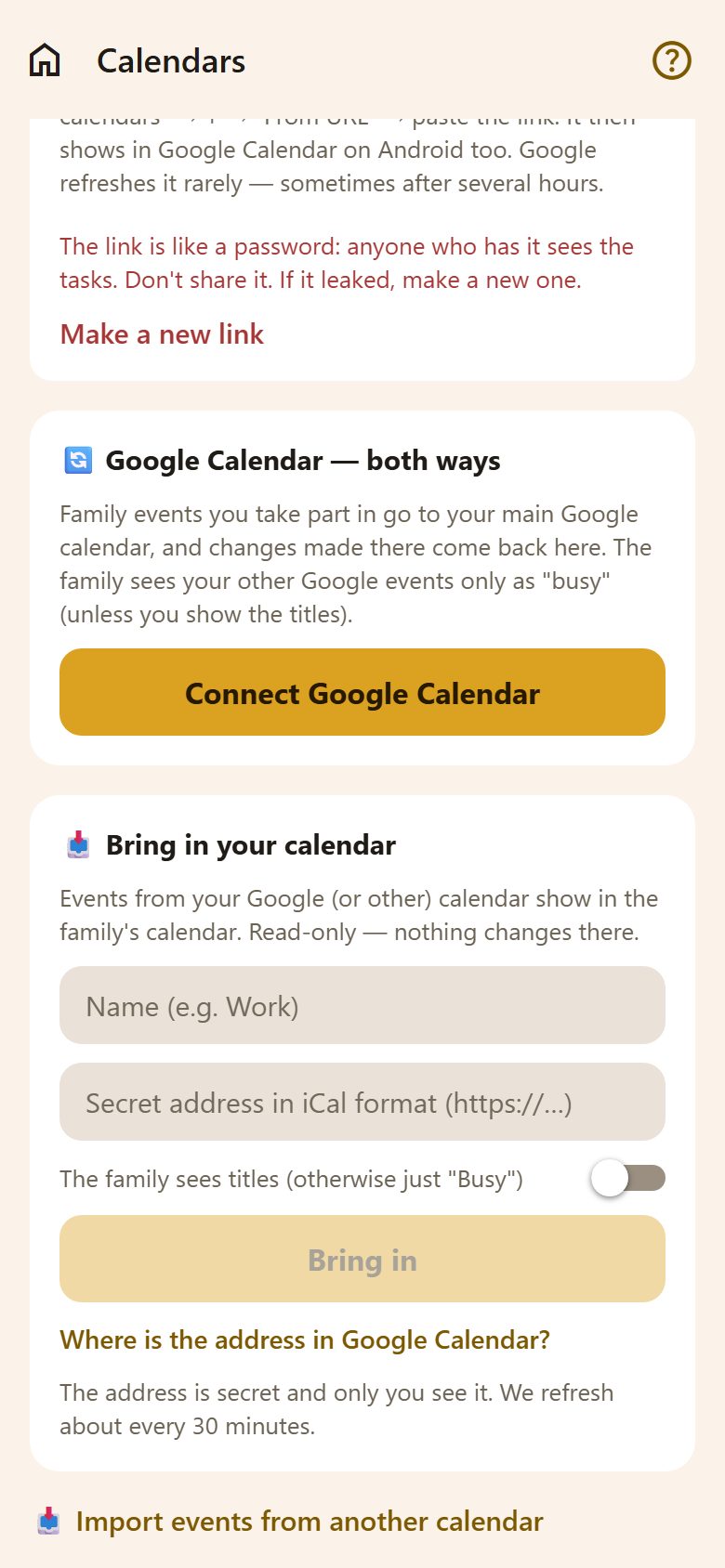
Connect Google Calendar: family events you take part in go to your Google calendar, and changes made there come back. See Google Calendar.
Bring in your calendar
Your work calendar, a club's, a school's: its events show in the family's calendar.
- Name it ("Work").
- Paste its secret address in iCal format (https://…). Where is the address in Google Calendar? shows how to find it.
- The family sees titles — or, off, just "Busy".
- Bring in.
It's read-only — nothing is written back — and it refreshes about every 30 minutes. Only you see the address.
Moving over from another app
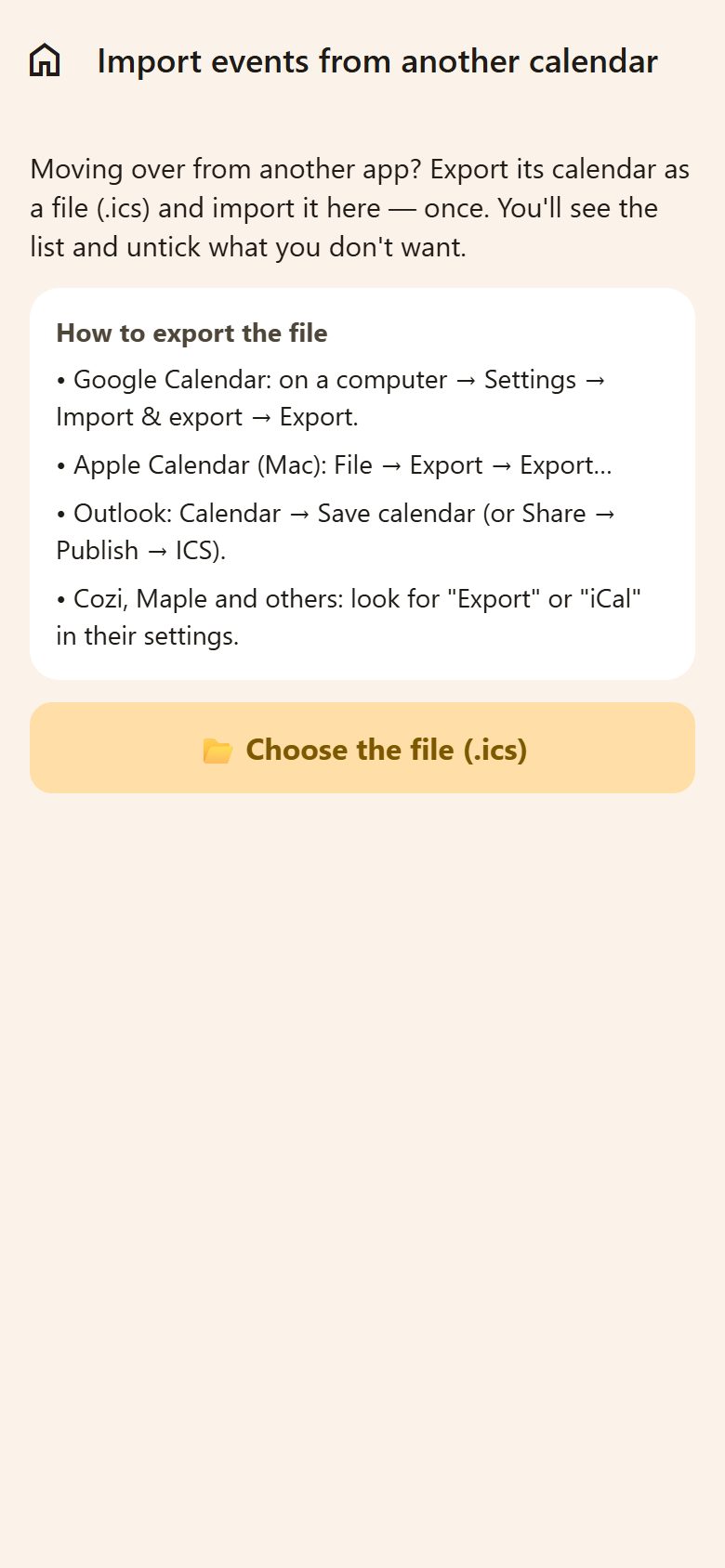
At the bottom, Import events from another calendar — once, when you move over from Google, Apple, Outlook, Cozi, Maple or another app:
- Export its calendar as a file (.ics) — the screen says how in each.
- Choose the file (.ics).
- Untick what you don't want; events the family already has are left out.
- Import — they're the family's events now.
Questions
Why is there no link on my phone? There the app writes the calendar itself; a link as well would show everything twice.
My tasks don't show in the phone's calendar. Allow calendar access when Lanibo asks (or in the phone's settings), and open the app once — it writes the calendar while it's open.