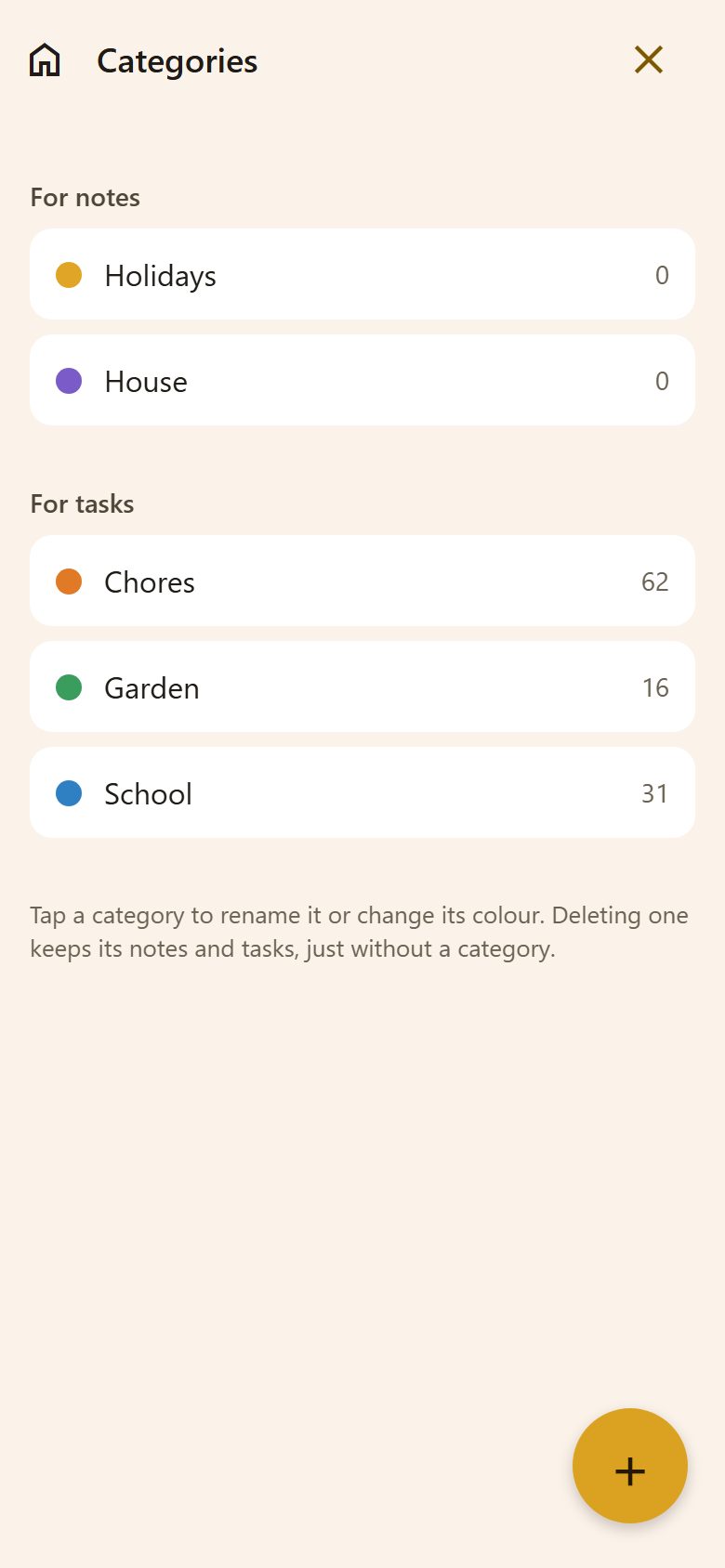
Two kinds
- For notes — sort the parents' Notes: "Holidays", "House".
- For tasks — sort the family's Tasks: "Chores", "School", "Garden".
Each one shows how many notes or tasks use it.
Adding and changing
+ at the bottom right → Add category: for notes or for tasks, a name, a colour → Add.
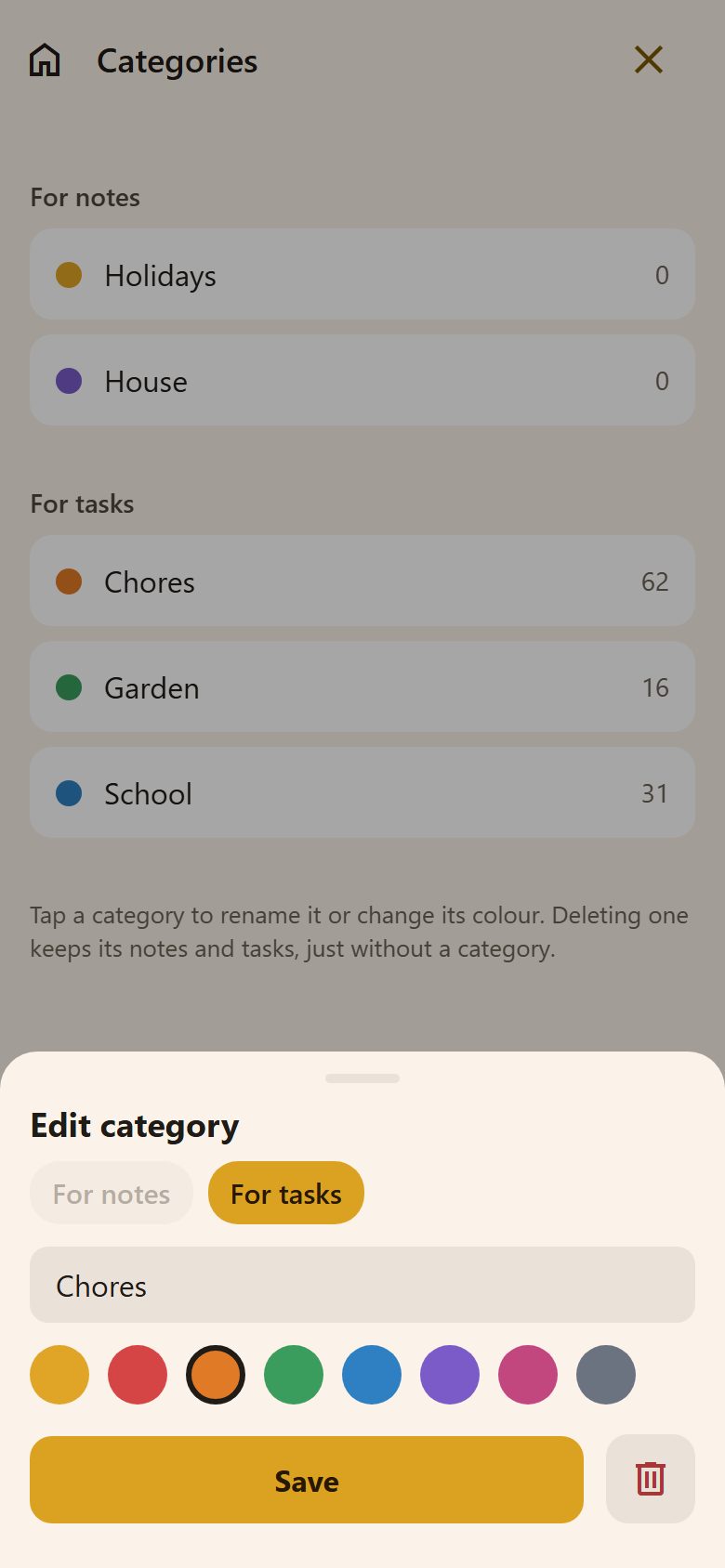
Tap a category to rename it or change its colour. The bin deletes it — its notes and tasks stay, just without a category. Whether it's for notes or tasks can't change once it's made.
Where they show
- In a task or a note: tap a category to pick it, tap it again to remove it.
- On the Tasks tab: Filters → Categories shows just those.
- In Notes: the chips at the top filter the list.
Only parents make and change categories.