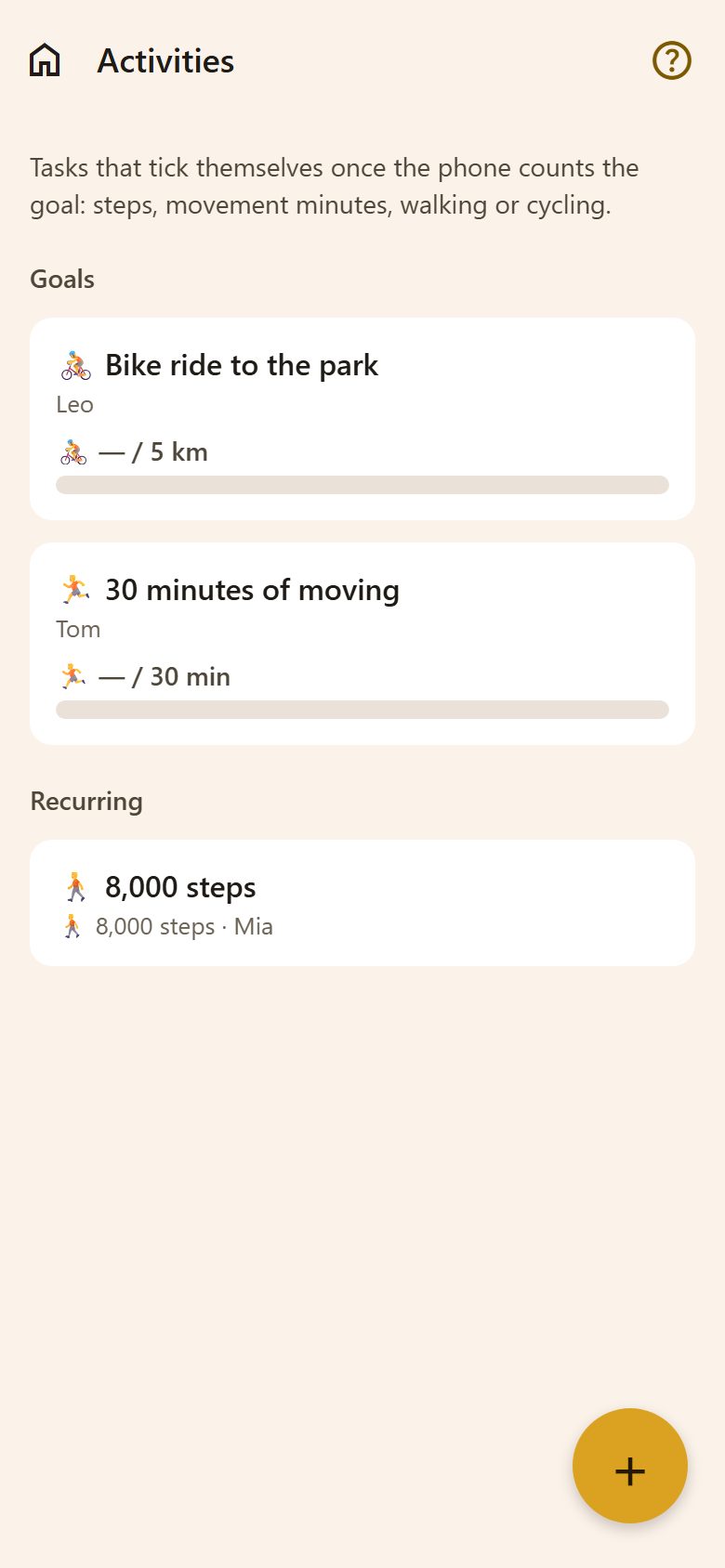
A task with a goal
+ at the bottom right of Activities:
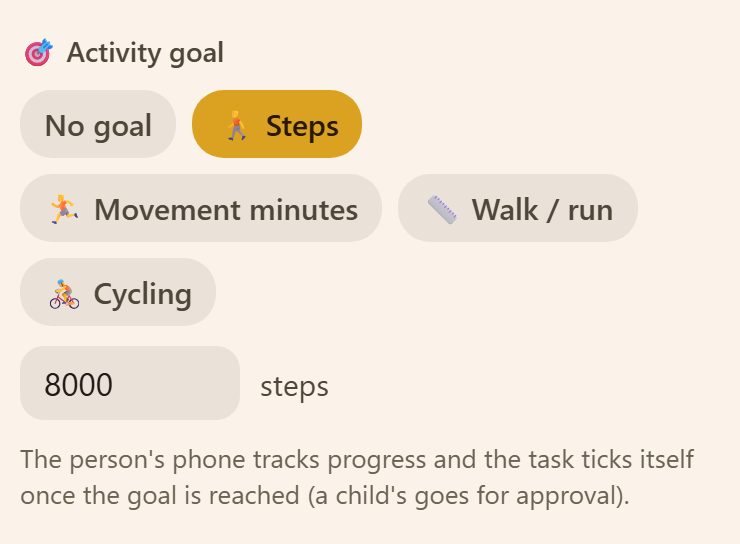
In the task, 🎯 Activity goal: Steps, Movement minutes, Walk / run (km) or Cycling (km), and the number. No goal makes it an ordinary task, ticked by hand.
When the goal is reached, the task ticks itself on the phone of the person it's for — a child's goes to a parent for approval, like any other. 🎉
Turning it on
On the phone of the person doing it: Turn on activities — on the Activities screen or in Profile. The phone asks for access to Apple Health (iPhone) or Health Connect (Android). After that, My activity today shows the day's steps and movement.
Only on a phone — not on the web or a computer.
Privacy
- The steps and movement stay on the phone. Lanibo reads only today's numbers, for the goals.
- Parents see a child's progress ("5,120 / 8,000") only with consent: ⚙️ Settings → Family → Activity progress. Those numbers are deleted after 2 days. Without it the task still ticks itself — the parents just don't see the number before it does.
- Turn activities off in Profile and the app stops reading. On an iPhone, remove the access completely in Settings → Health → Data Access & Devices.
Questions
The task didn't tick itself. Open Lanibo on that phone — the count is read while the app runs — and check that activities are on in Profile.
Does it work with a watch or a fitness band? Yes, if it writes its steps to Apple Health or Health Connect — most do.