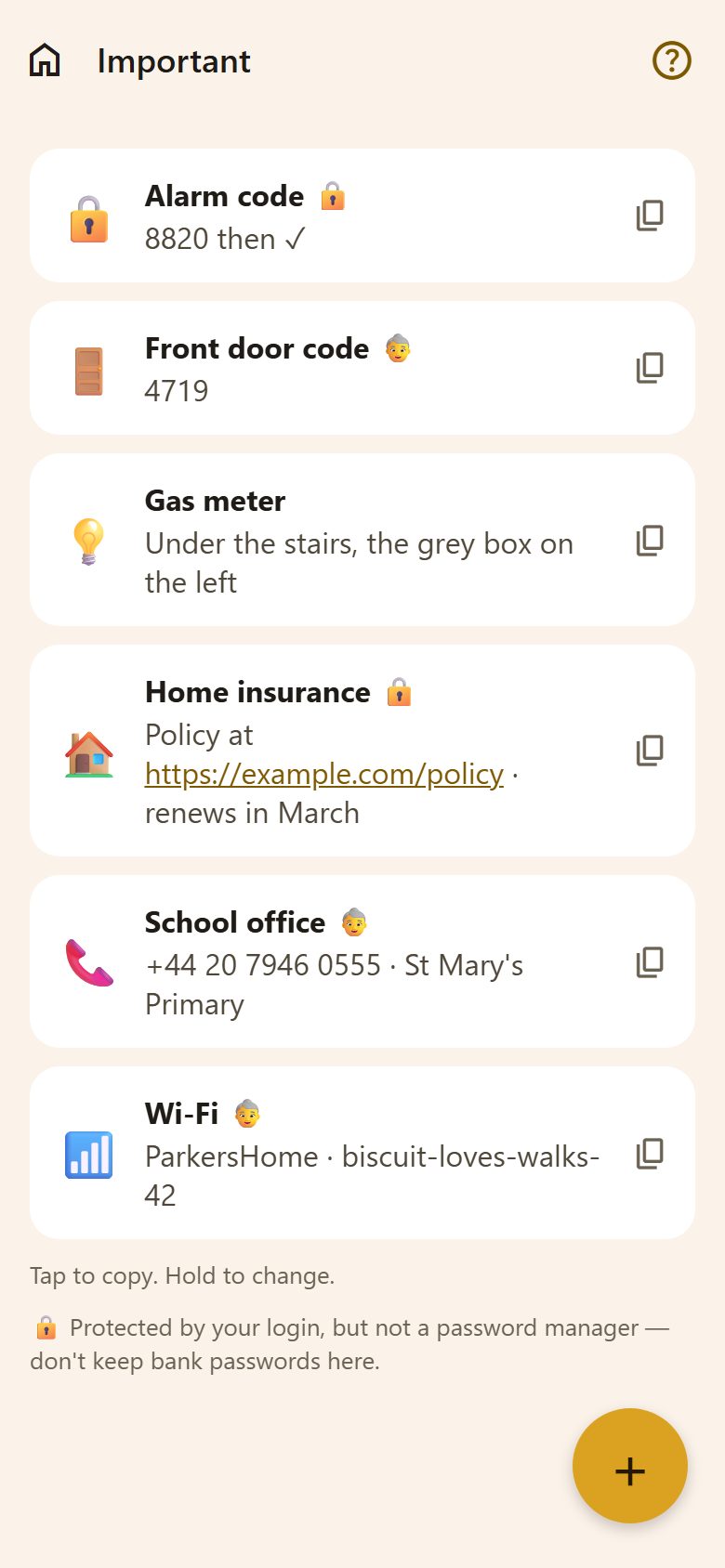
Using it
- Tap an entry to copy its value — the ✓ shows it's copied. Paste it wherever you need it.
- A link or a phone number in a value can be tapped to open it.
- Hold an entry to change or delete it (parents).
Adding
+ at the bottom right (parents).
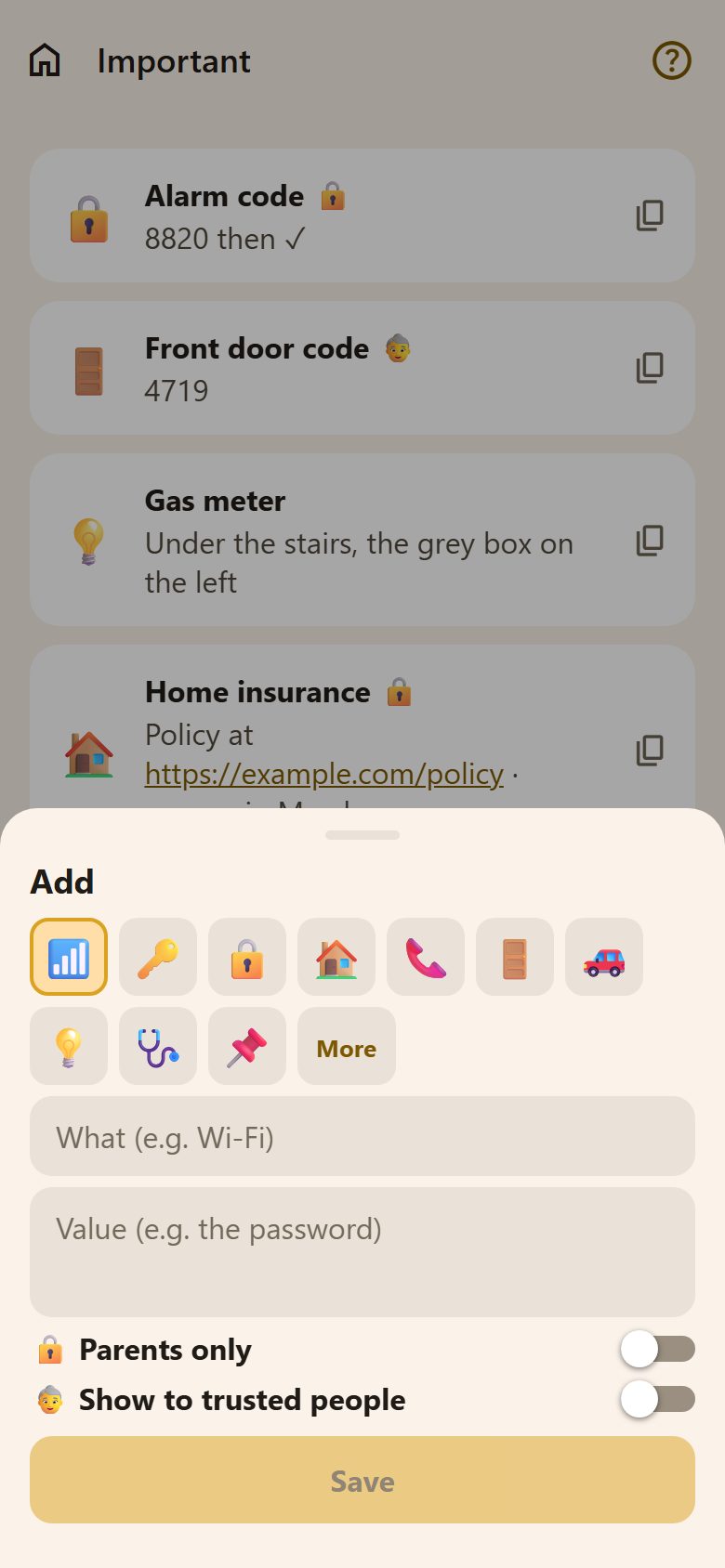
- A picture: 📶 🔑 🔒 🏠… Pick one, or More for any emoji (how).
- What: "Wi-Fi", "Front door code".
- Value: the password, the code, a number, a few lines of text.
- 🔒 Parents only: children don't see it — the alarm code, the insurance policy.
- 👵 Show to trusted people: it also shows on grandma's or the babysitter's link — the Wi-Fi, the door code. Never for what is parents only.
What children see
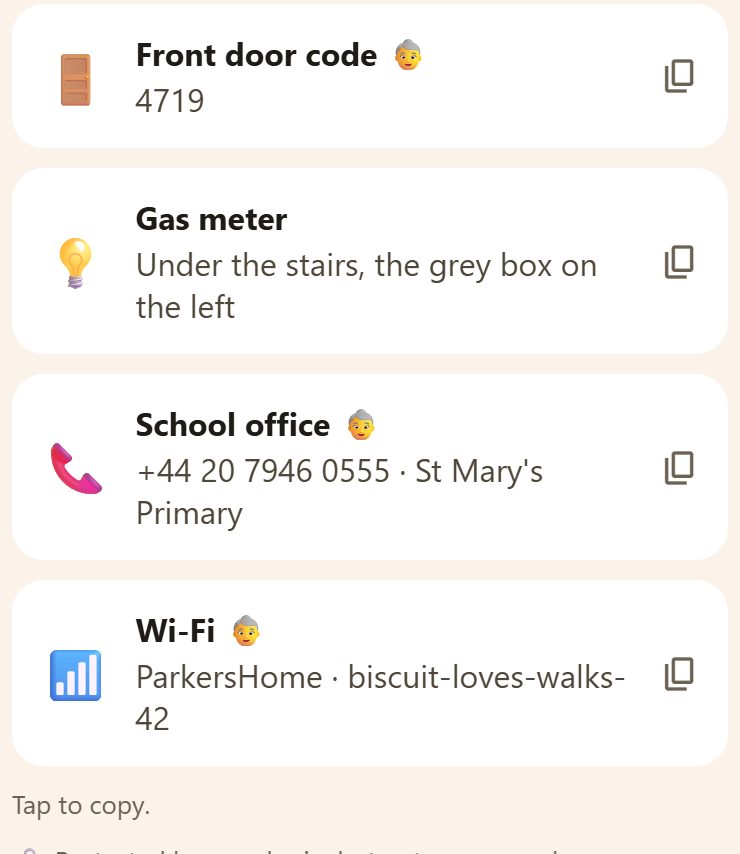
Everything that isn't 🔒 Parents only. They tap to copy too.
Questions
How is this different from Notes? Notes are the parents' longer writing. Important is short things the whole family needs, one tap to copy.