
Adding a car
+ at the bottom right of Cars (parents): a picture, a name ("The Golf"), the number plate if you like, and the fuel — Petrol, Diesel, LPG or Electric.
The list shows each car with its nearest deadline: highlighted when it's within 30 days, in red with overdue when it has passed.
A car
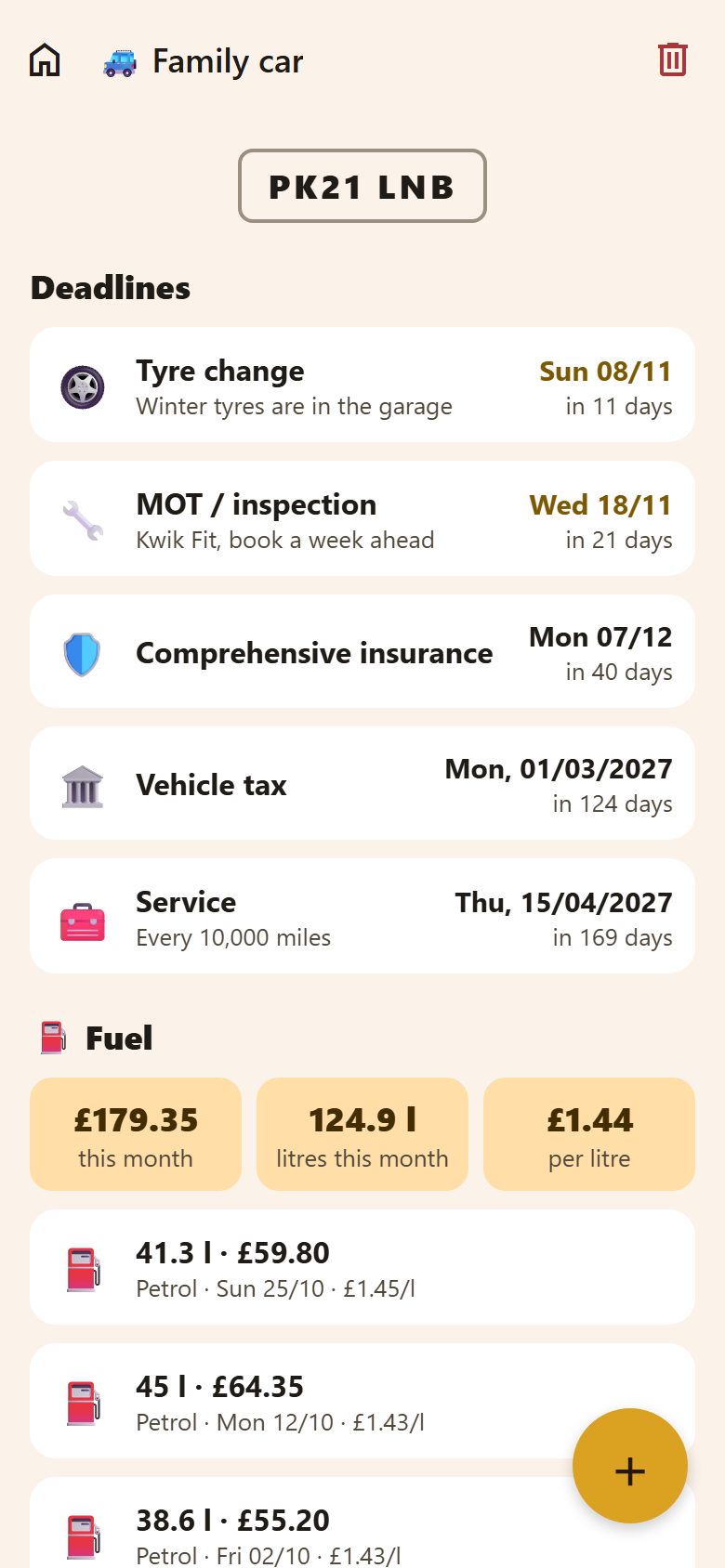
The plate at the top, then Deadlines — each with its date and how many days are left — and ⛽ Fuel. The bin at the top deletes the car with all its deadlines and fuel.
Deadlines
+ on a car → Deadline.
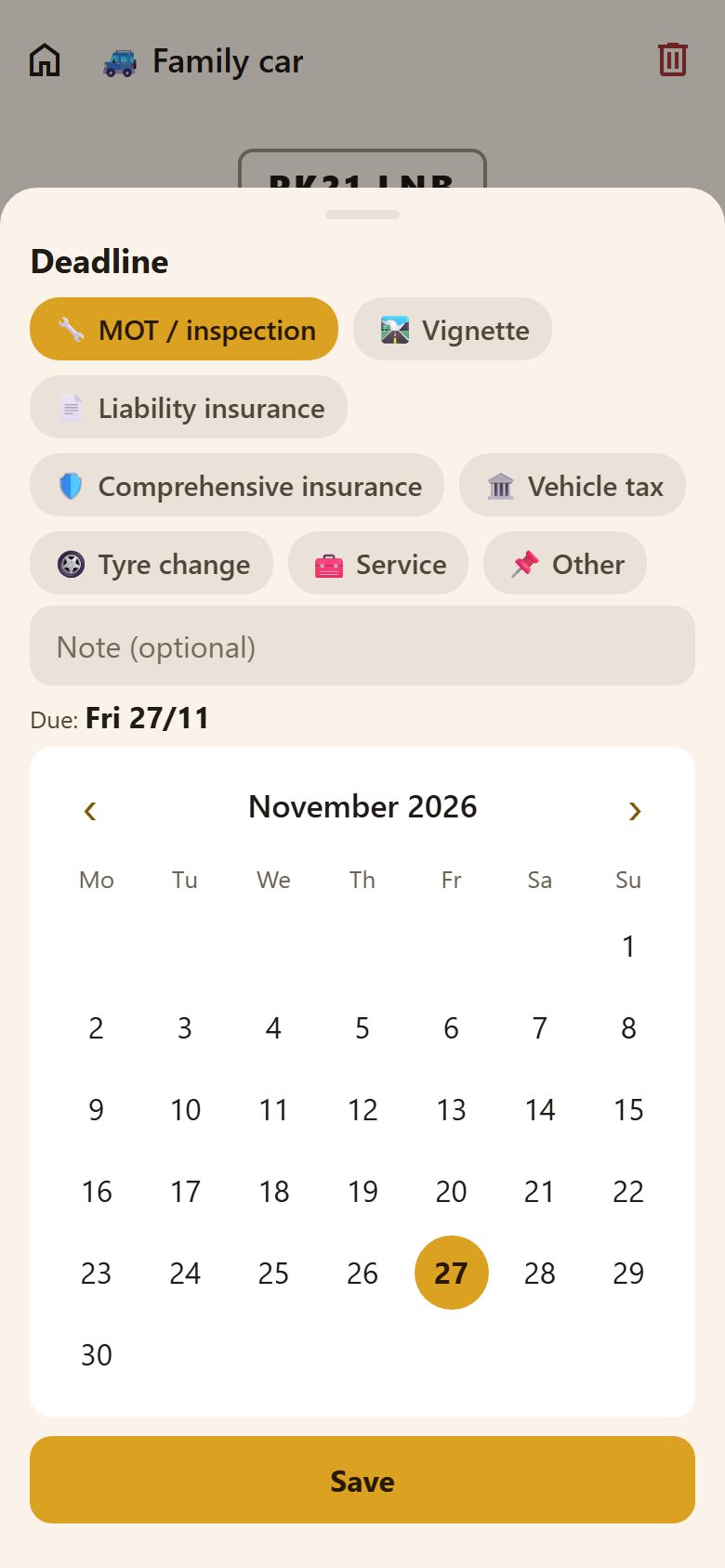
- What it is: MOT / inspection, Vignette, Liability insurance, Comprehensive insurance, Vehicle tax, Tyre change, Service, or Other (with your own name).
- A note: "Kwik Fit, book a week ahead". A link in it can be tapped.
- Due: the day in the calendar.
Parents get a reminder 30 days, 7 days and 1 day before — in the morning, never in quiet hours. When it's done, tap the deadline and move its date to the next one (next year's MOT).
Fuel
+ → Refuel: the litres and the price (the date and the fuel are filled in).
- At the top: what fuel cost this month, the litres and the average price per litre.
- Below, each refuel with its price per litre.
- Hold a refuel to delete it (parents).
Prices are in the family's currency (⚙️ Settings → Family), like bills.
Questions
Do children see the car? Yes, they can look; only parents change it.
Two cars? Add both — each has its own deadlines and fuel.