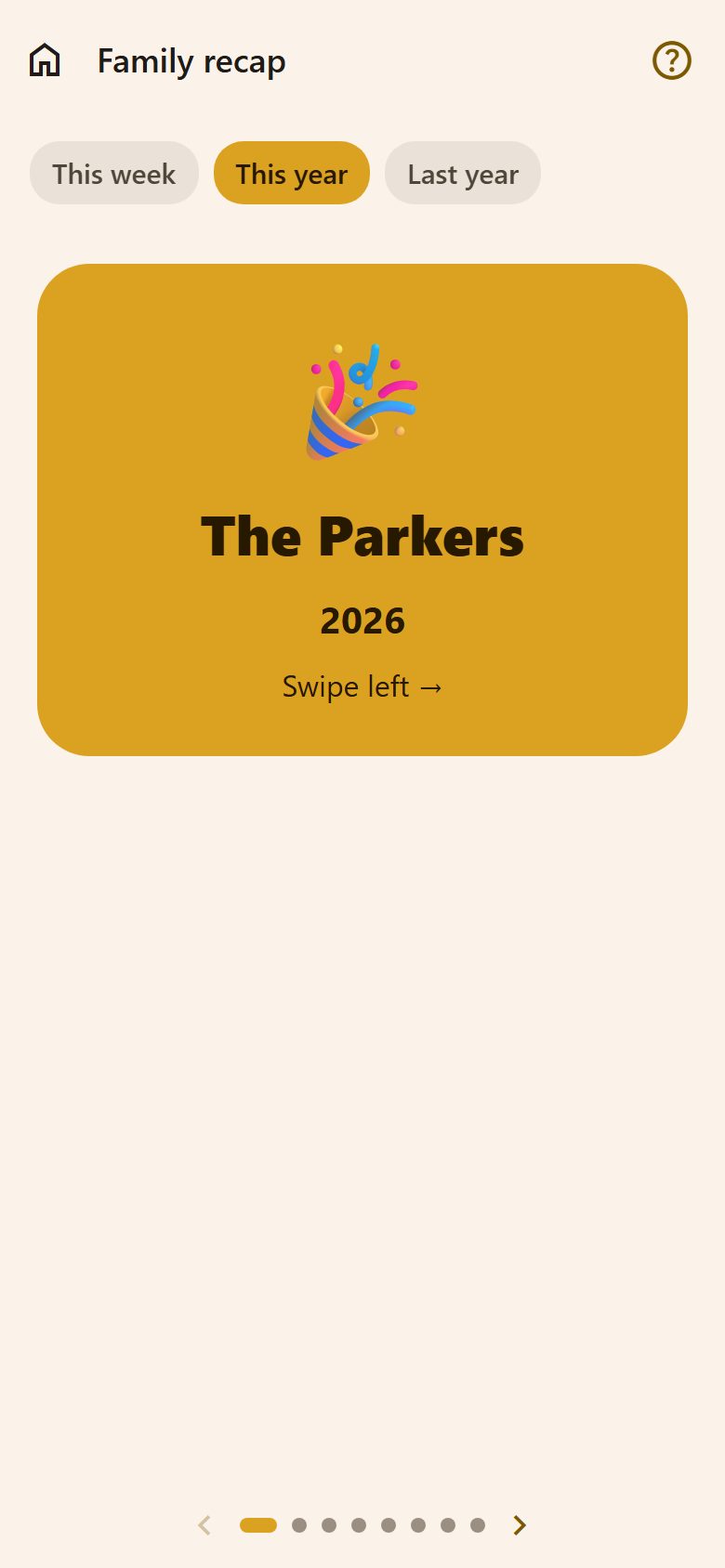
The cards
At the top, the period: This week, This year or Last year (in January it opens on last year). Then card by card — swipe, or tap ‹ › and the dots at the bottom:
- Tasks done, and on how many days; how many of them routines.
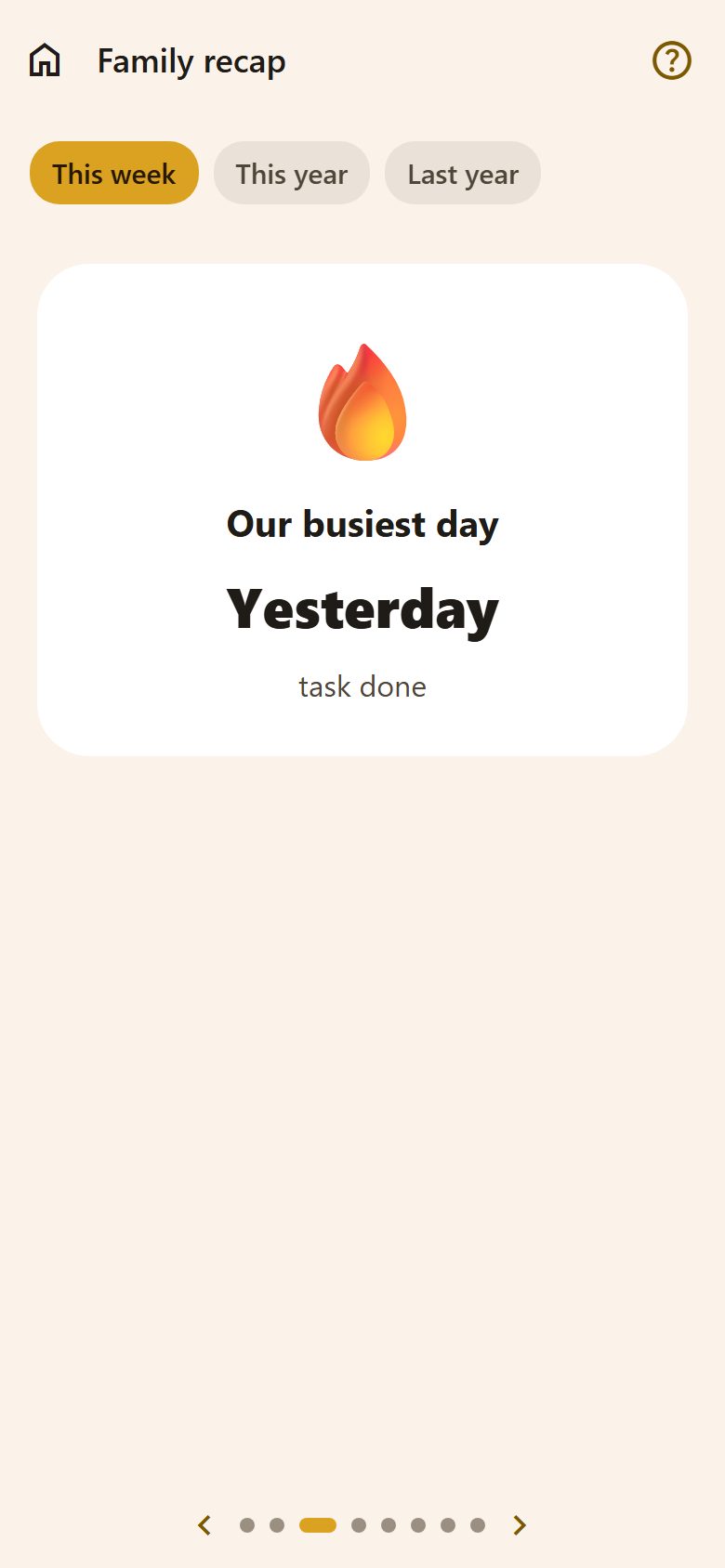
- Our busiest day and the task done most often.
- Stars earned and rewards claimed (if the family uses points).
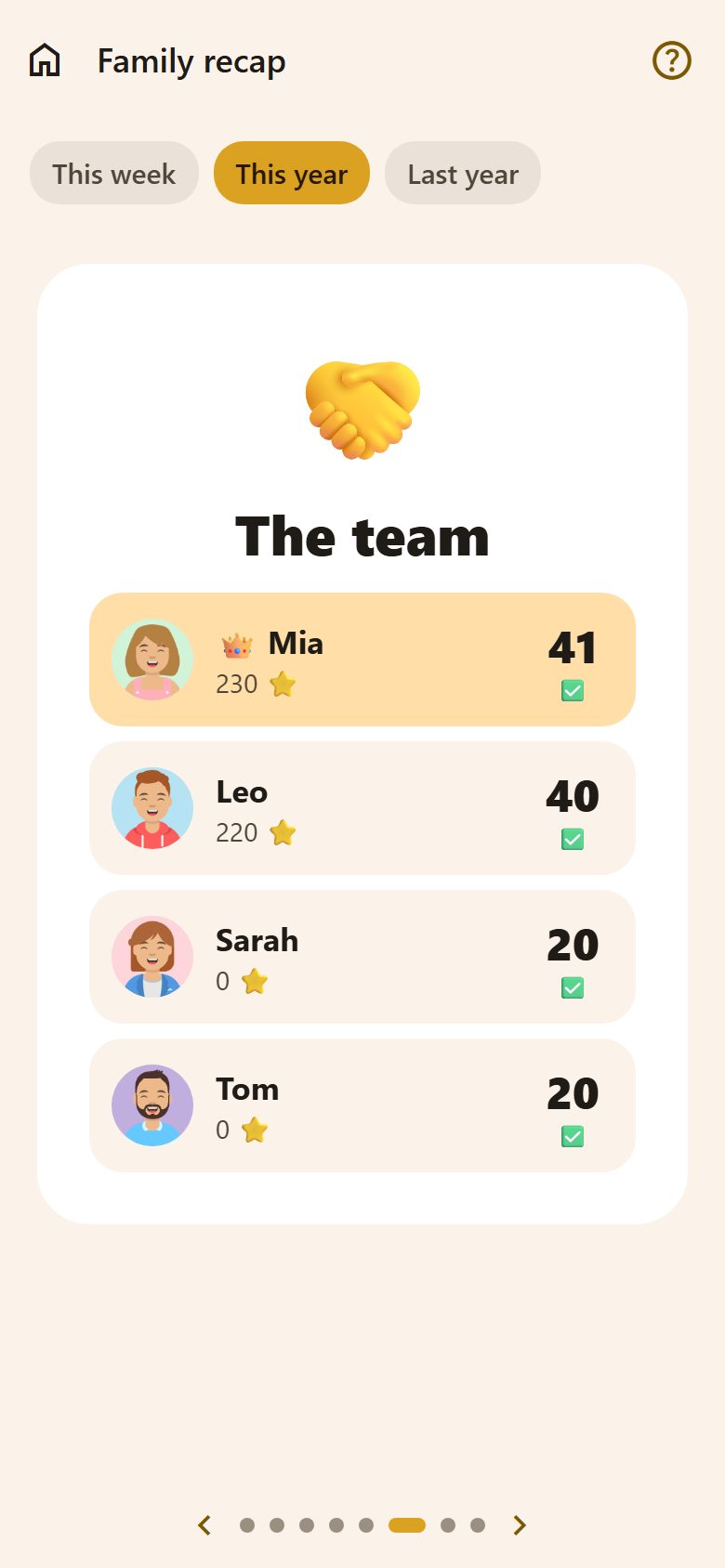
- The team: everyone with their tasks and stars — 👑 for the most done.
- Moods this week (This week only): a parent sees everyone's, a child their own.
- And together: events, photos and messages on the wall, things bought.
- Well done, everyone! — and Share: a short summary to send to grandma or post.
The weekly report
On Sunday evening, at 19:00, everyone gets a notification with the week — tapping it opens This week here. (Not in quiet hours; parents turn it off under 📊 Weekly report in Notifications.)
Questions
Is it the same for children? Yes — the whole family's recap. Only the moods are private: a child sees just their own.
Nothing shows. A period with no tasks, events or posts has nothing to recap yet — do a few tasks together!