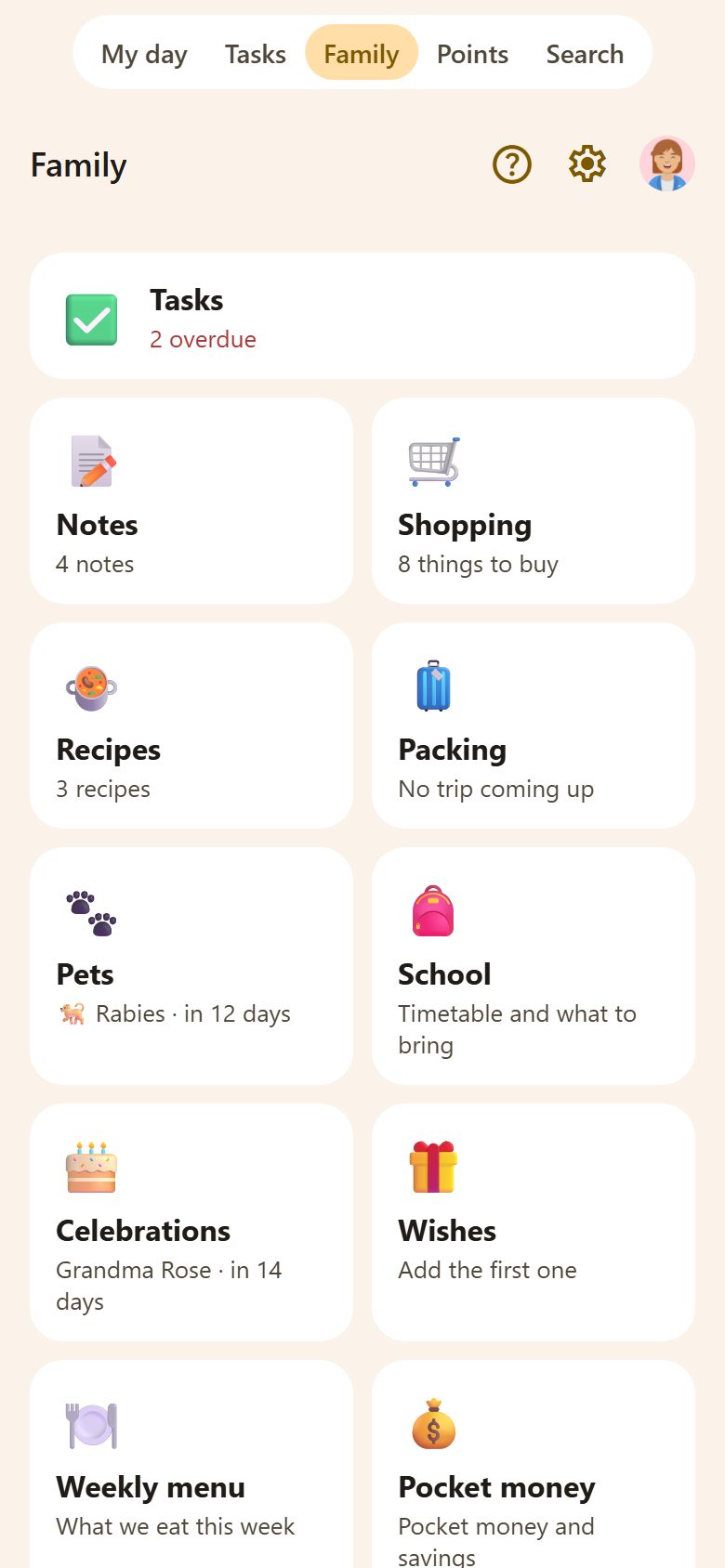
The tabs
| Tab | What's there |
|---|---|
| My day | Today for you: your tasks, events, medicines, what to take to school. See My day. |
| Tasks | The whole family's tasks; a parent sees a number when something waits for approval. See Tasks. |
| Family | Every place of the home as a tile — shopping, notes, recipes, celebrations, pets, school… — and the family wall below them. |
| Points | Stars, rewards and history. Hidden when the family turns points off. See Points. |
| 🔍 Search | One search over everything (below). On an iPhone with iOS 26 it's the round button beside the tabs. |
On a phone the tabs are at the bottom; in the browser, at the top.
Parents start on Family. Across its first row is a Tasks card: your tasks for today and how many are overdue, and — when something waits for a parent — ⏳ N waiting for approval, which opens just those tasks. Children start on My day. The ⌂ button (where a screen has nothing to go back to) leads to Family too.
At the top of a screen
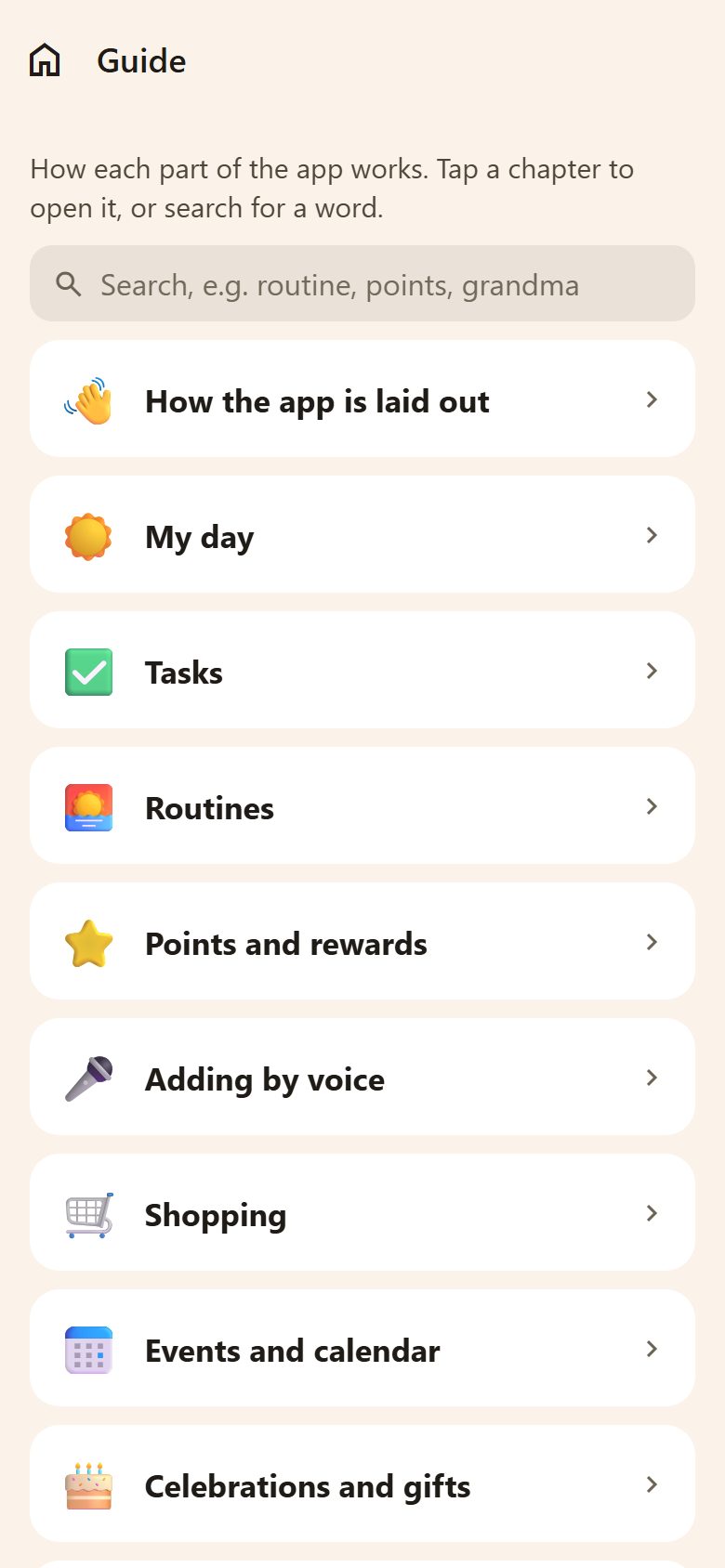
- ? — the help for that screen: the guide's chapter about it. At the bottom, More, with pictures, on lanibo.com opens the matching page of these docs. The whole guide is in ⚙️ Settings.
- ⚙️ — Settings (for parents).
- Your picture — your Profile: your name, picture, language, password.
Adding
+ at the bottom right adds — a task on My day and Tasks, a recipe in Recipes, a bill in Bills, everywhere the same. Where you can add more than one kind of thing, the + asks which. Next to it, 🎤 adds by voice.
Search

Type and it answers as you type: the places of the home, tasks, notes (parents), things to buy, recipes and events — even without internet, because it's already on the phone.
Shared, at once
What one person adds, the others see within seconds — on every phone and in the browser. Nothing lives on one phone only. Without internet, a new task or a thing to buy waits on the phone (📤 Sending…) and goes as soon as there's a connection.
A link to something
Share at the top of a task, note, recipe, event or pet gives a link (lanibo.com/…) to send to someone in the family, by Viber, WhatsApp or any app. It opens after logging in and only for people in the family — for anyone else it doesn't exist.
Parents and children
Parents make tasks, approve, run rewards and settings; children see their day, tick things off, ask for rewards and write in the shopping and on the wall. More in Family members.