A child's timetable
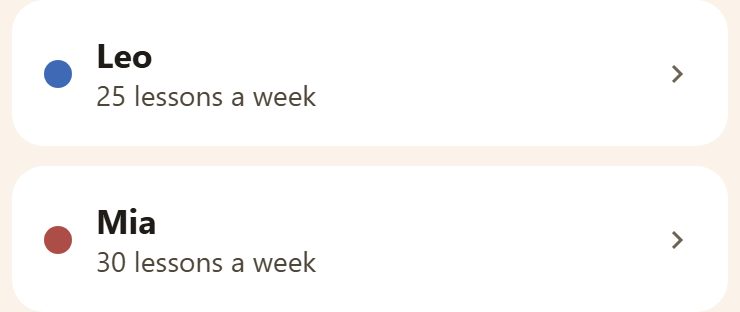
Tap a child in School.
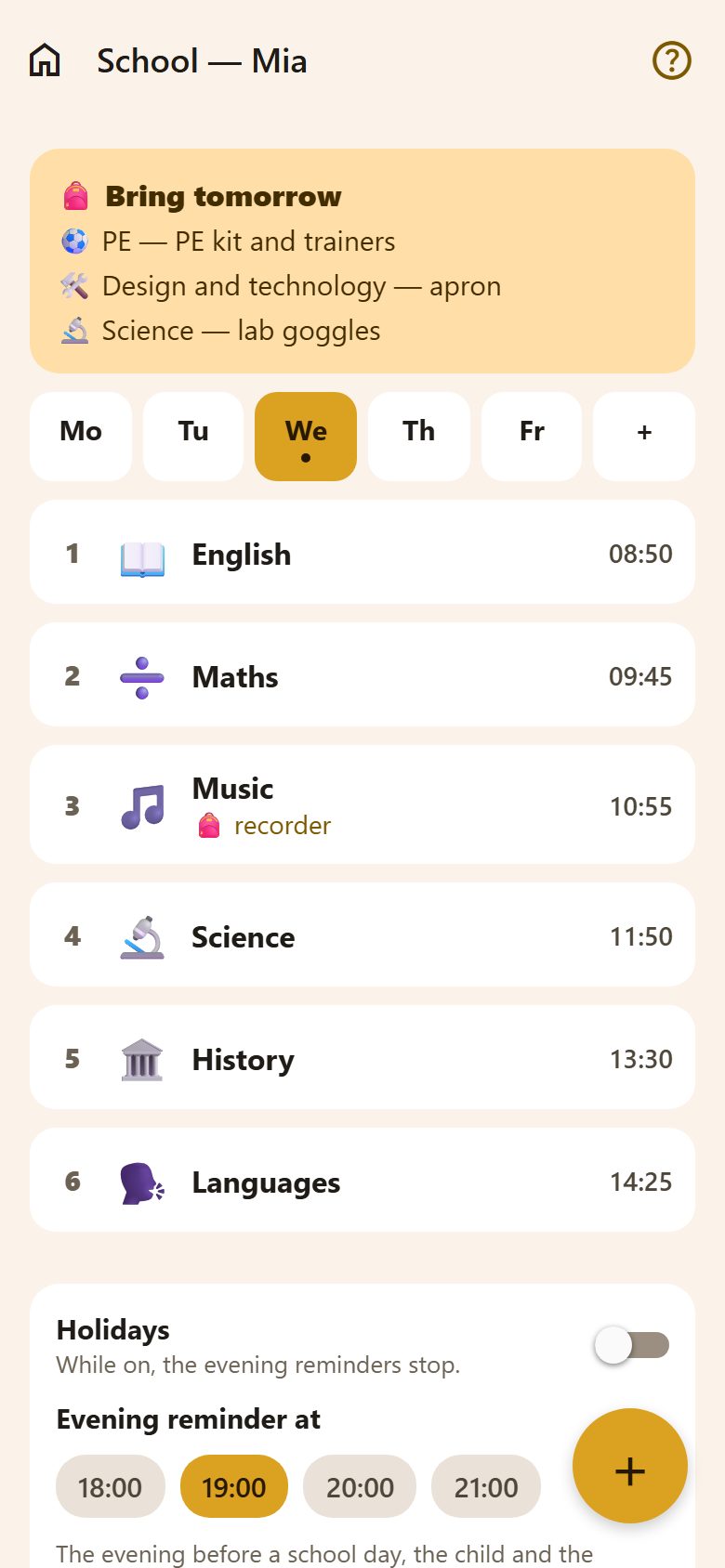
- Mo Tu We Th Fr — the days; the dot is today. + adds a Saturday if there's school then.
- Each lesson: its number, the subject, what to bring (🎒) and when it starts.
- 🎒 Bring tomorrow at the top gathers everything to bring for tomorrow's lessons.
Lessons
+ at the bottom right adds a lesson to the day you're on; tap a lesson to change or delete it.
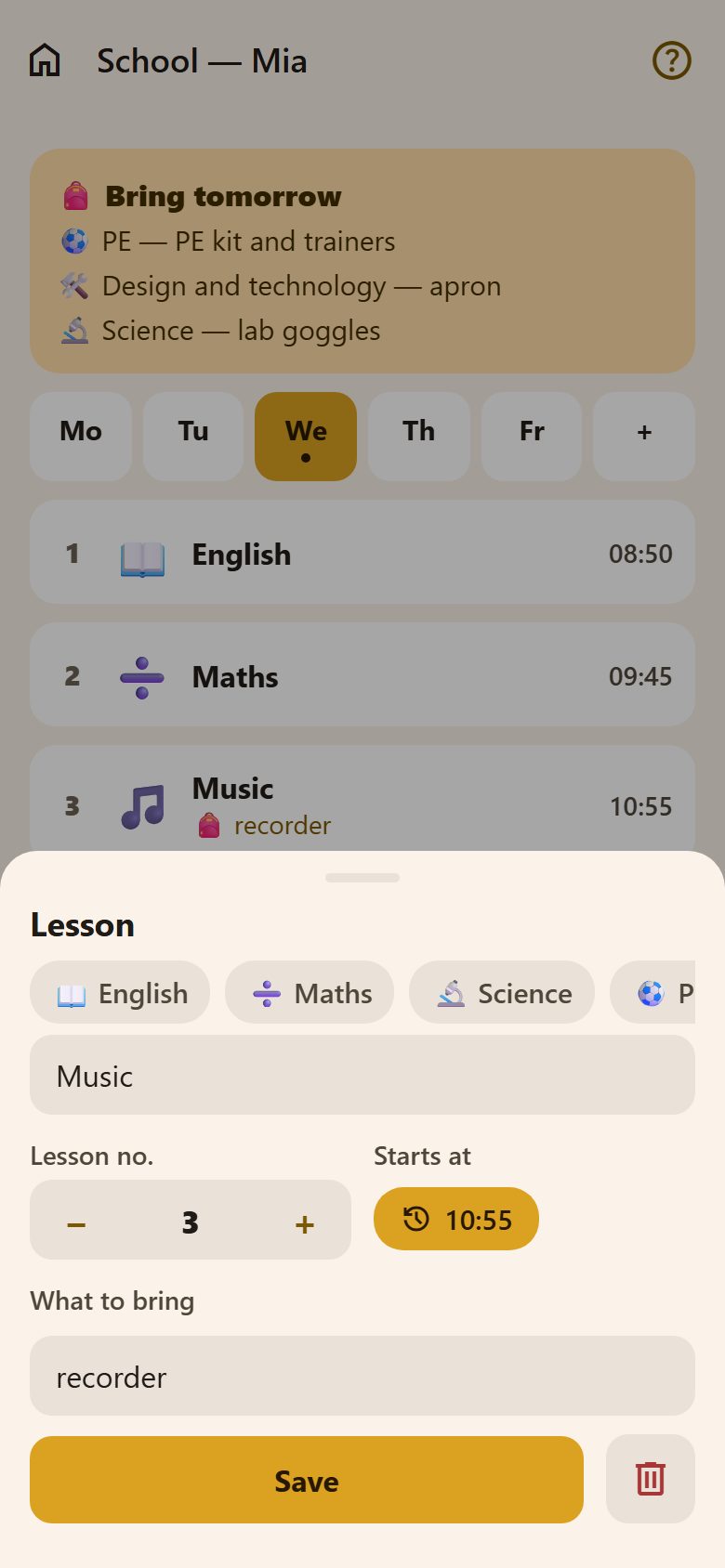
- Subject: tap one of the ready ones (English, Maths, PE…) — it brings its picture, and for some what to bring (PE → PE kit) — or write your own.
- Lesson no. with − and +, and Starts at.
- What to bring: "recorder", "swimsuit and towel". Only lessons with something to bring are reminded.
The child fills in their own timetable, or a parent does it. Everyone in the family can see it.
From a photo
With the AI assistant on, parents see Timetable from a photo: take a photo of the timetable (or Scan it — the phone straightens and crops it), check what was read, tap anything read wrong to leave it out, and save. It replaces the timetable, keeping what to bring and the pictures of subjects already there. One photo — up to 5 pages — is 1 request.
The evening reminder
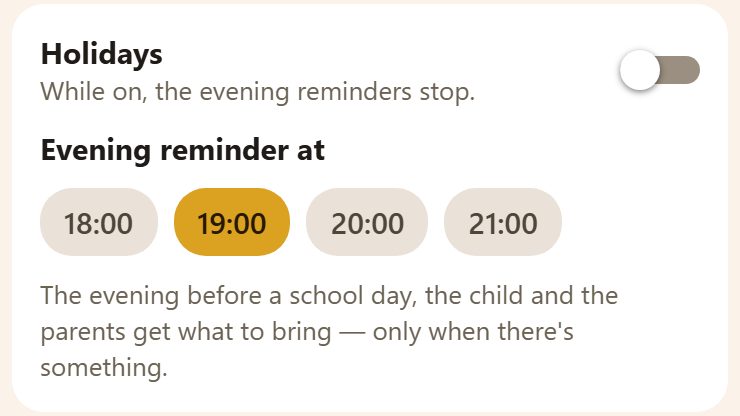
- The evening before a school day, at Evening reminder at (19:00 unless you change it), the child and the parents get "🎒 Tomorrow: PE — PE kit; Science — lab goggles". When there's nothing to bring, nothing is sent.
- From 2 pm the child also sees it in My day.
- Holidays stops the reminders (and hides "Bring tomorrow") until you turn it off. The timetable is kept.
Questions
Is there a reminder on Sunday evening for Monday? Yes — it's the evening before any day with lessons.
Two children, two schools? Each child has their own timetable and their own reminder time.
Does grandma see it? Yes — her carer's link shows what the children take tomorrow (not during holidays).