Shops
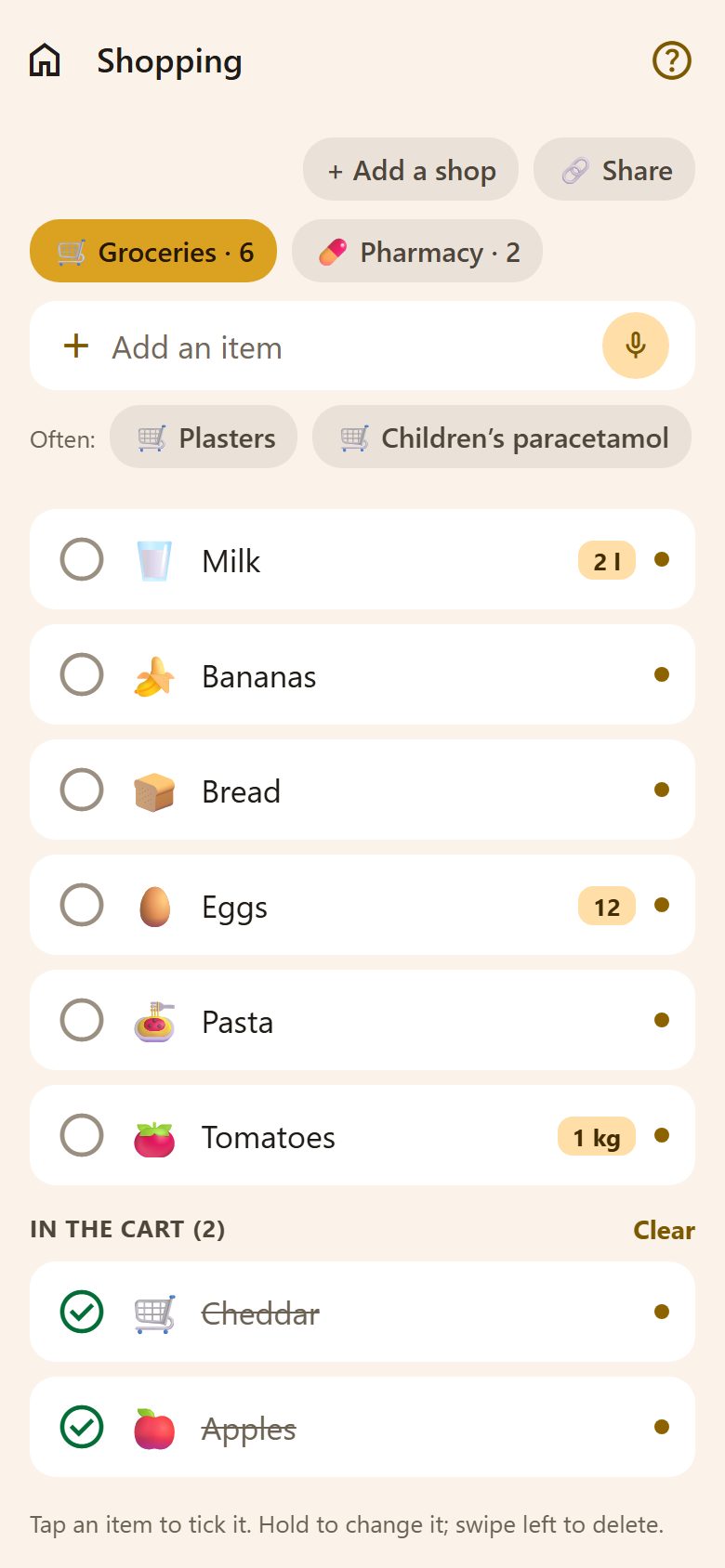
The list is split by shop — "Supermarket", "Pharmacy", "Pet shop"… The chips at the top switch between them; the number is how many things are still to buy there.
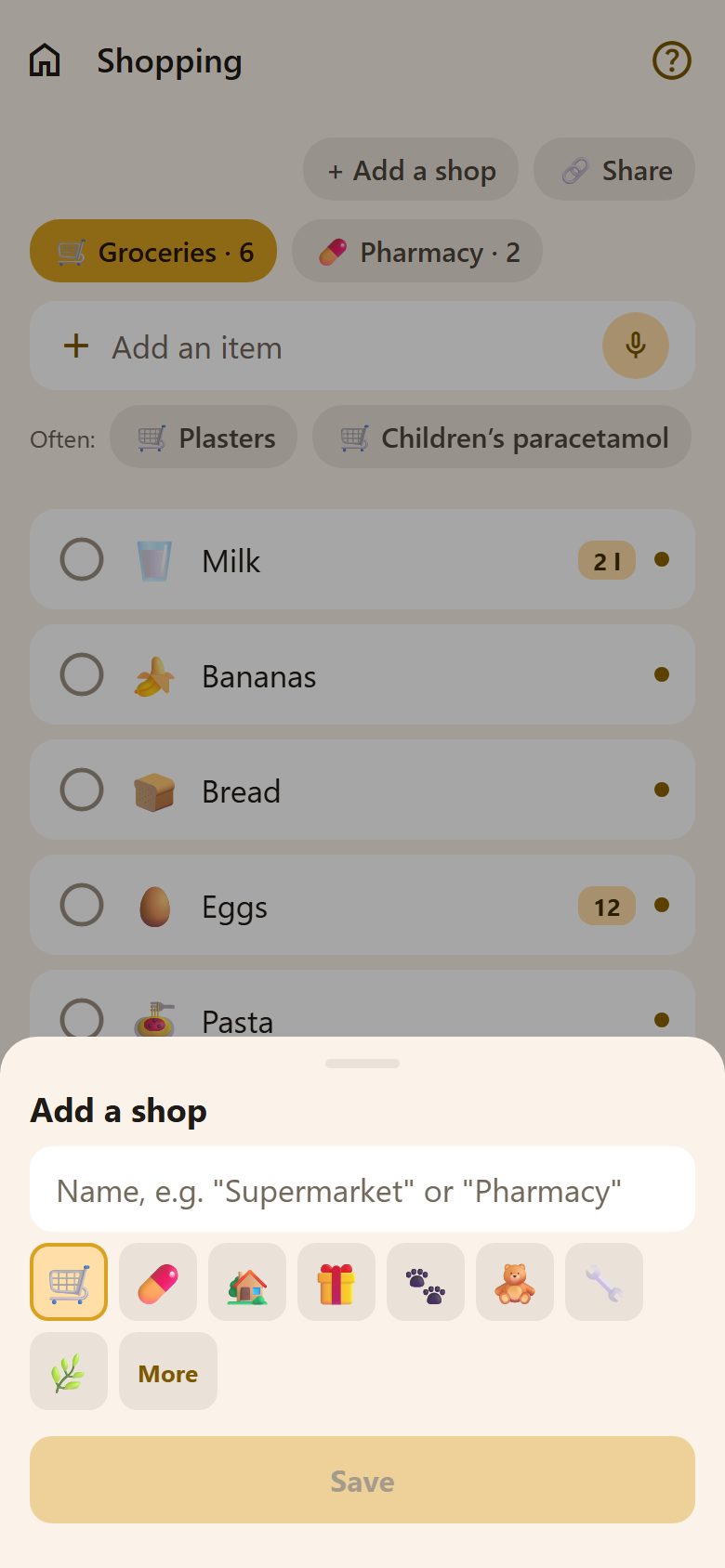
- + Add a shop — a name and an icon. Parents only.
- Hold a shop's chip — rename it, change its icon, or delete it (with everything on it).
Adding things
Write in Add an item and press Enter. The amount can come first or last:
2 milk→ milk, amount 21 kg apples→ apples, amount 1 kgeggs x 12→ eggs, amount 12
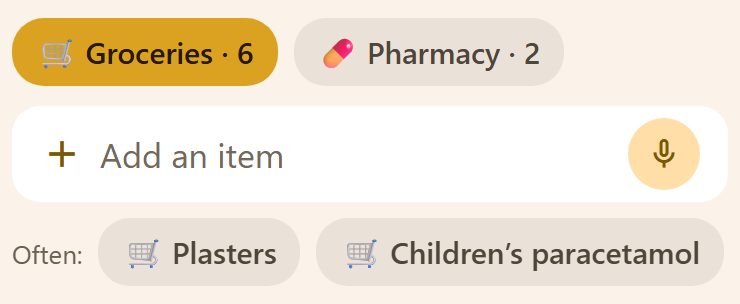
Each item gets an icon by itself (🥛 🍌 🍞…), when Lanibo knows the word. The coloured dot on the right is the person who added it.
- 🎤 in the field — say what you need instead of typing it.
- Often: — what your family buys most, one tap to add again. While you type, it shows only the matches.
- Things stay in the order they were added.
In the shop
| You do | It happens |
|---|---|
| Tap an item | Into the cart: it moves to In the cart, crossed out. Tap again to take it out. |
| Hold an item | Change its name or amount. |
| Swipe left | Delete it. |
| Clear (next to "In the cart") | Removes everything bought. |
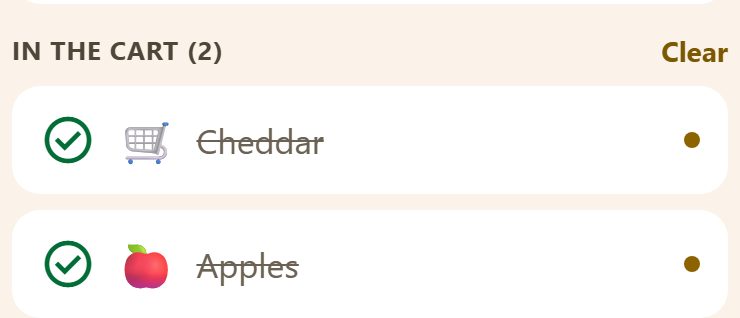
Everyone sees the ticks at once — so two people in two shops don't buy the same thing.
Share with someone without the app
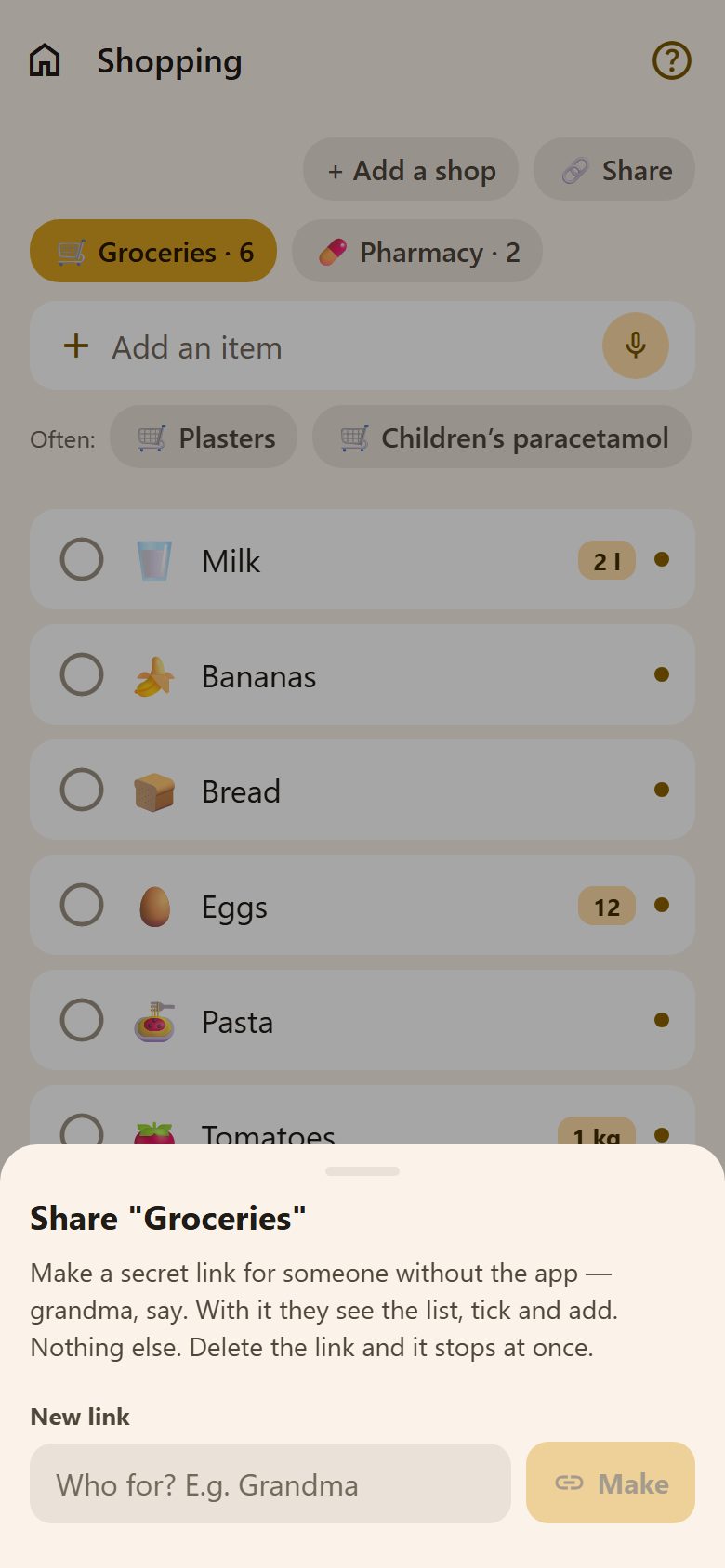
For grandma, a babysitter, a neighbour: Share makes a secret link to one shop's list.
- Open the shop's list and tap Share.
- Write who it's for ("Grandma") and tap Make.
- Send the link any way you like — Viber, WhatsApp, SMS.
With the link they see this list, tick things off and add new ones — in the browser, without an account. Nothing else of your family. Delete the link and it stops working at once.
Who can do what
| Parents | Children | |
|---|---|---|
| Add, tick, change and delete items | ✓ | ✓ |
| Add, rename and delete shops | ✓ | — |
| Share a list by link | ✓ | — |
Questions
Can I have several lists for the same shop? Make two shops with different names — e.g. "Supermarket" and "Party".
Do I see who bought what? The dot shows who added an item; the list in the cart is shared, so everyone sees what's been bought.
Does it work on the family tablet? Yes — the same list on every phone and tablet, updated live.