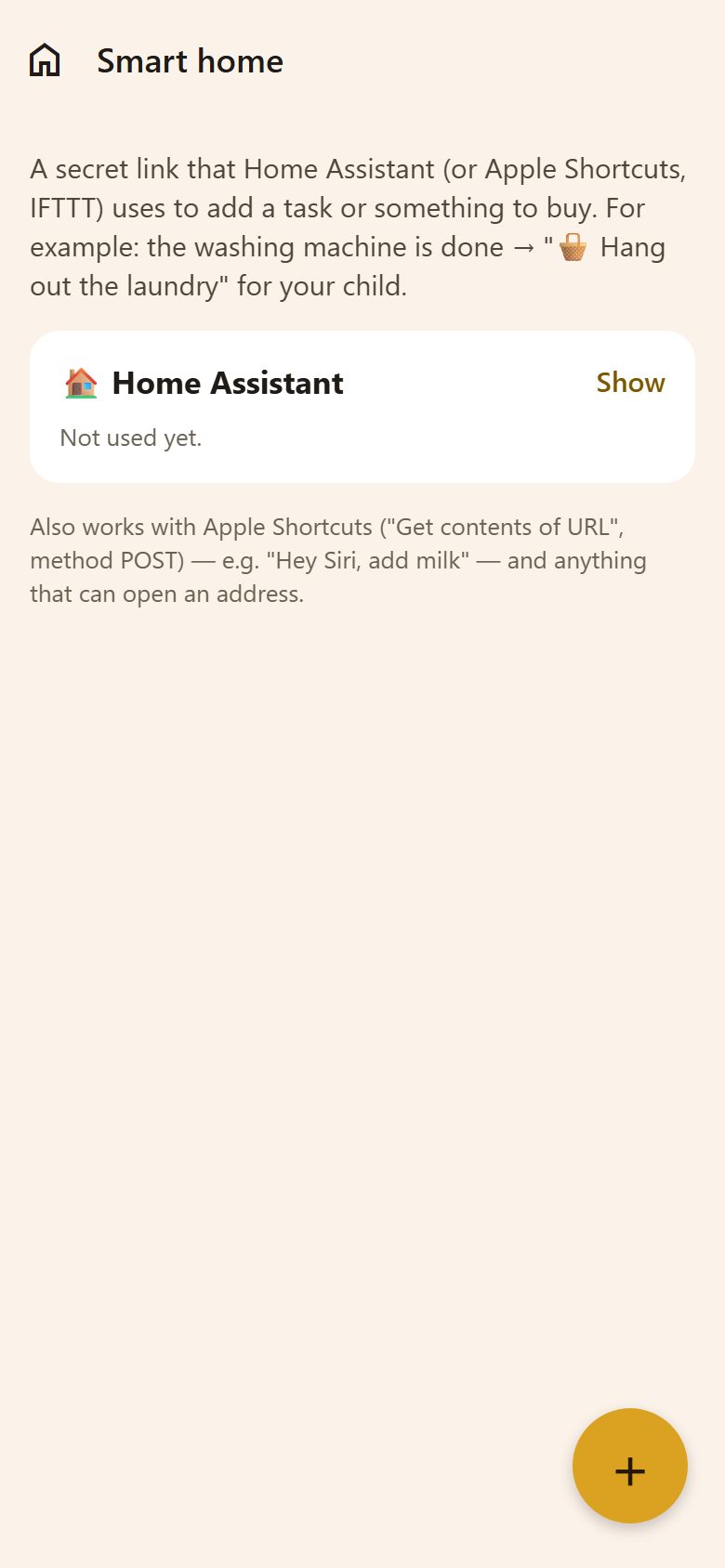
Making a link
+ at the bottom right → New link: a name ("Home Assistant") → Make a link. Make one link per tool, so each can be turned off on its own.
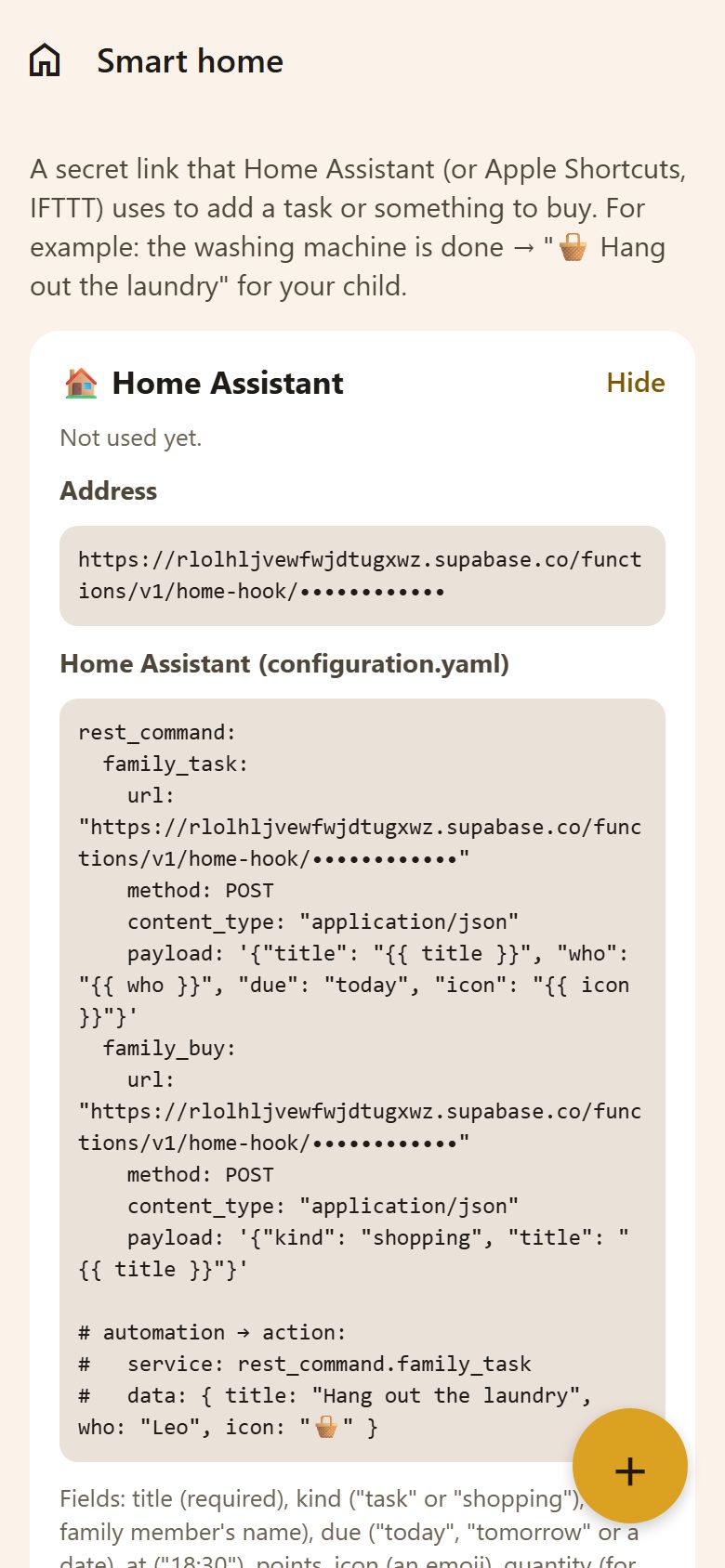
Show opens it:
- Address — the link to call (POST, JSON).
- Home Assistant (configuration.yaml) — a ready
rest_commandfor a task and one for shopping, and an automation example. - Send it to yourself — to paste it on the computer where Home Assistant runs.
- Delete — the link stops working at once; automations using it stop too.
What to send
| Field | |
|---|---|
title | Required: "Hang out the laundry", "Milk" |
kind | "task" (default) or "shopping" |
who | A family member's name: "Leo" |
due | "today", "tomorrow" or a date |
at | A time: "18:30" |
points | Points for the task |
icon | An emoji: "🧺" |
quantity | For shopping: "2" |
Examples: the washing machine finishes → a task for Leo; the coffee pods run low → "Coffee pods" on the shopping list; the bins sensor on Thursday evening → "Take out the bins".
It also works with Apple Shortcuts ("Get contents of URL", method POST — "Hey Siri, add milk"), IFTTT, and anything that can open an address.
Questions
Does the house see the family's things? No — a link can only add a task or something to buy. It can't read anything.
When was a link last used? Under its name: "Last used …" or "Not used yet".