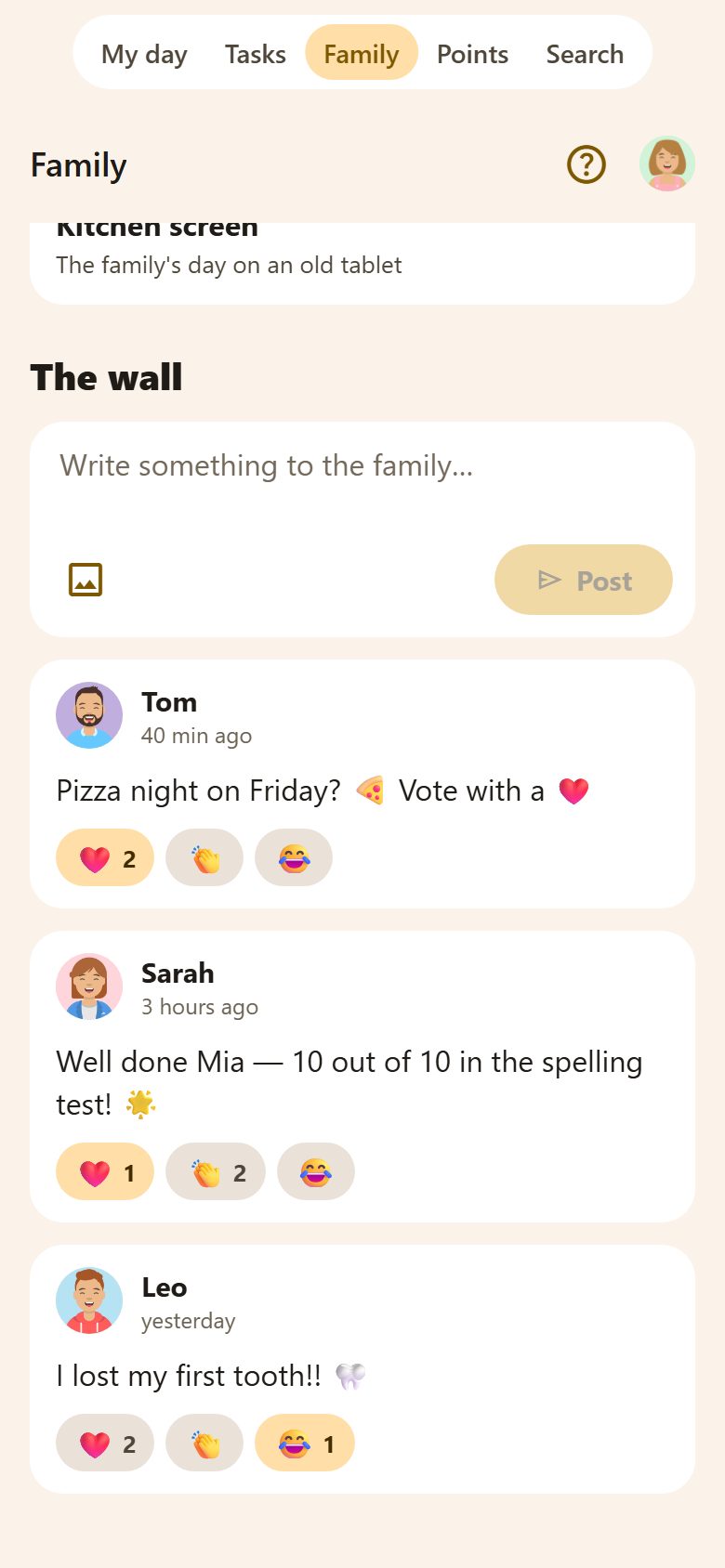
Posting
At the bottom of the Family tab, under the tiles:
- Write in Write something to the family…
- 🖼️ adds a photo from the phone; on a phone 📷 also takes one. The app makes it smaller before sending it.
- Post. Everyone else in the family gets a notification.
Everyone posts — children too — and everyone sees everything. There are no private chats.
Reacting
Under each post: ❤️, 👏 and 😂. Tap one to react, tap it again to take it back; the number says how many did.
- Tap a photo to see it big.
- Links in a post can be tapped.
- The bin deletes a post — whoever posted it, or a parent.
Privacy
Posts and photos are seen only by your family. Photos are kept in private storage, one folder per family — nobody outside the family can open them.
Questions
Can I post only to the parents? No — the wall is for everyone. For parents only, use Notes.
How far back does it go? All the way: older posts load as you scroll down.