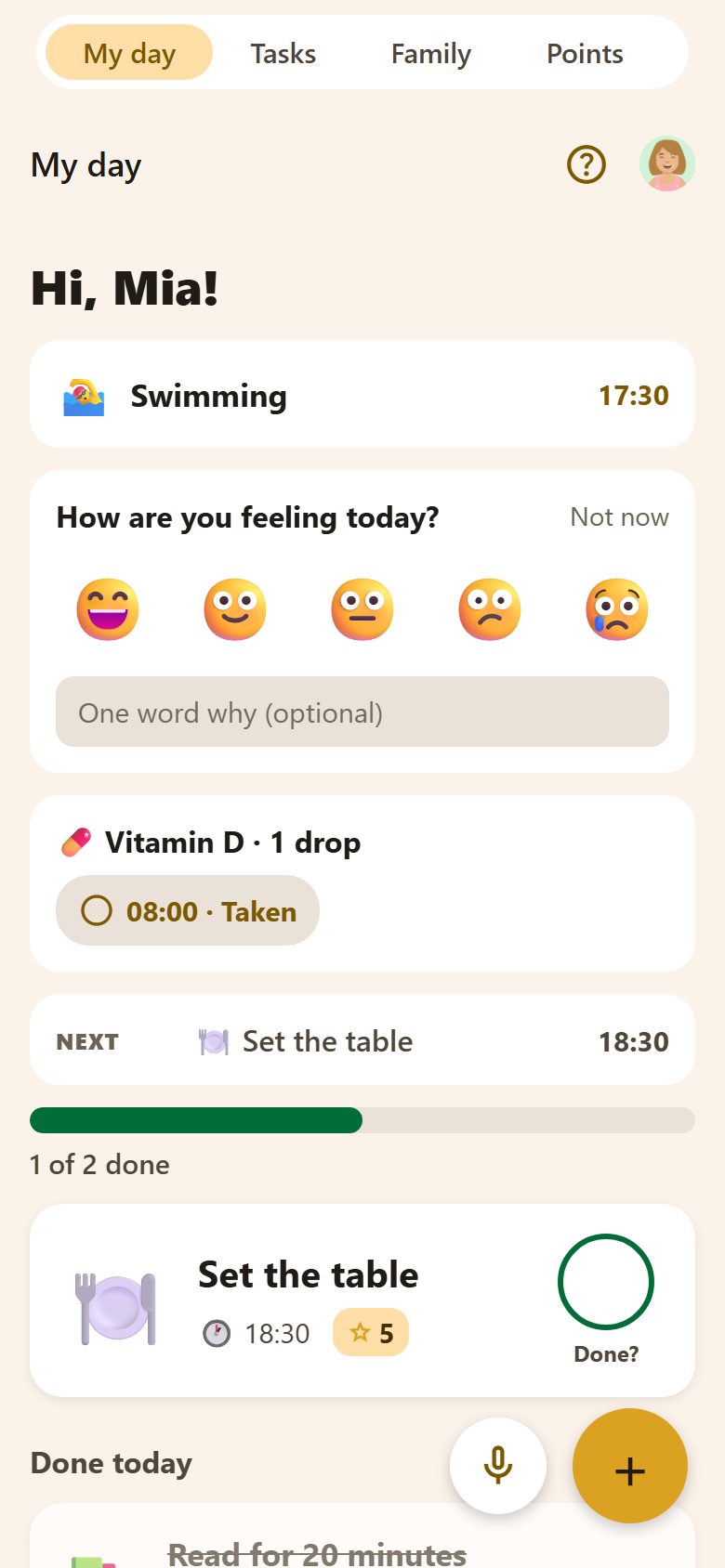
What's on it, top to bottom
Only the parts that have something to show appear — an empty day is short.
| Part | What it shows |
|---|---|
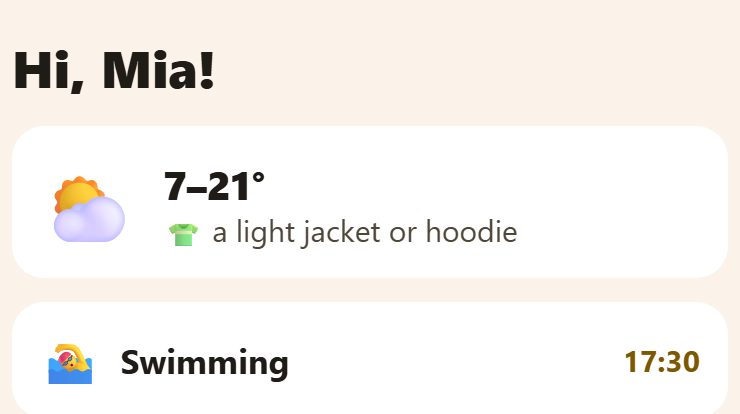
| Hi, Mia! | Your name, so a child on a shared tablet knows it's their day. |
| Weather | Today's low and high, the chance of rain if it's 30% or more, and what to wear. Needs a town in ⚙️ Settings. |
| Today's events | Your events today with their time ("Swimming 17:30"). Tap one to open it. |
| 🎒 Bring tomorrow | From the school timetable: what to pack for tomorrow's lessons. |
| How are you feeling today? | Once a day — see below. |
| My activity today | Steps and movement from the phone, if you turned it on. |
| Medicines | Today's doses, each with its time — tap to mark it taken. |
| Now / Next | The task happening now and the next one with a time. |
| 🎯 Goal | The reward you're saving for, and how close you are. Tap to go to Points. |
| Progress | "1 of 2 done", with a bar. |
| Your tasks | "❗ Must do today" first, then "Also today". |
| 🎯 Bonuses | Extra tasks anyone can take — the first to tap "I'll take it!" gets them. |
| Done today | What you finished: waiting for a parent, or approved. |
Today's tasks
Each task is a big card: its picture, title, time, ⭐ points and a round Done? on the right.
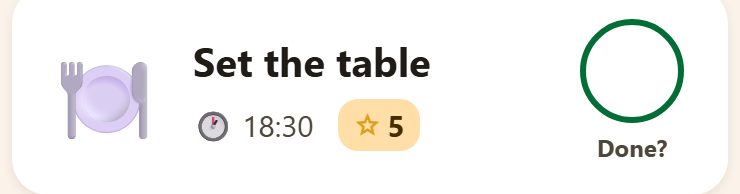
- Done? — a child taps it when the task is done. It goes to a parent for approval; the points come when it's approved. A parent's own task is simply done.
- Late — a task from an earlier day is marked late, and earns half the points (rounded up). The child sees that before ticking.
- Steps — a routine shows its steps as buttons; tick them one by one. When all are ticked, the routine says "Done!".
- ⏱ Timer — if a task has a timer, a button starts it, with a heads-up a minute before the end.
- Tap the card itself to open the task and see everything about it.
Done today
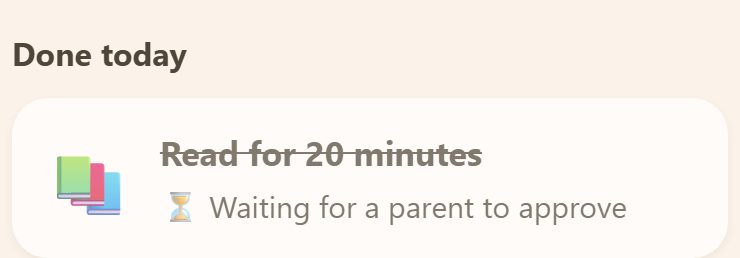
Finished tasks move down here: ⏳ Waiting for a parent to approve, then ✅ Approved — and the points are in.
How are you feeling today?
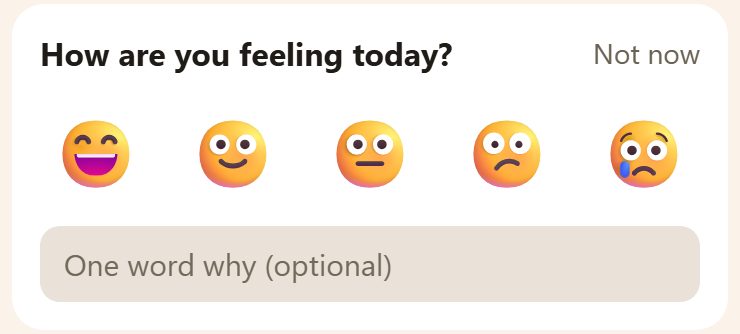
Once a day each person can tap a face — from the happiest on the left to the saddest on the right — and add one word why. Not now hides it for now. Only the person and the parents see the answer — in the family recap, day by day — and it is kept for 30 days. Nobody gets a notification about it.
Medicines
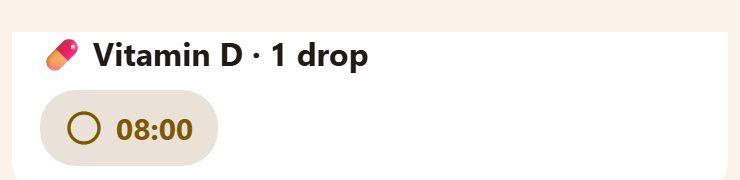
If someone has a medicine today, each dose shows with its time. Tap it when it's taken — the circle fills, and the parents see it too.
At bedtime
If a parent set a bedtime for a child, 15 minutes before it the child gets a reminder, and from bedtime until morning My day turns dark and calm: "Good night, Mia! Time to rest. Tomorrow is a new day.", with tomorrow's tasks below. Show the day anyway opens the usual screen.
On the home screen
My day is also a widget for the phone's home screen — today's tasks without opening the app. A card at the bottom of My day shows how to add it; Hide removes the card. See Widgets.
Questions
Why doesn't my child see a task? My day shows only their tasks for today (and late ones). A task for tomorrow, or for someone else, isn't here — it's in Tasks.
Can a parent use My day? Yes — it's everyone's first tab. Parents usually start on Tasks, children on My day.