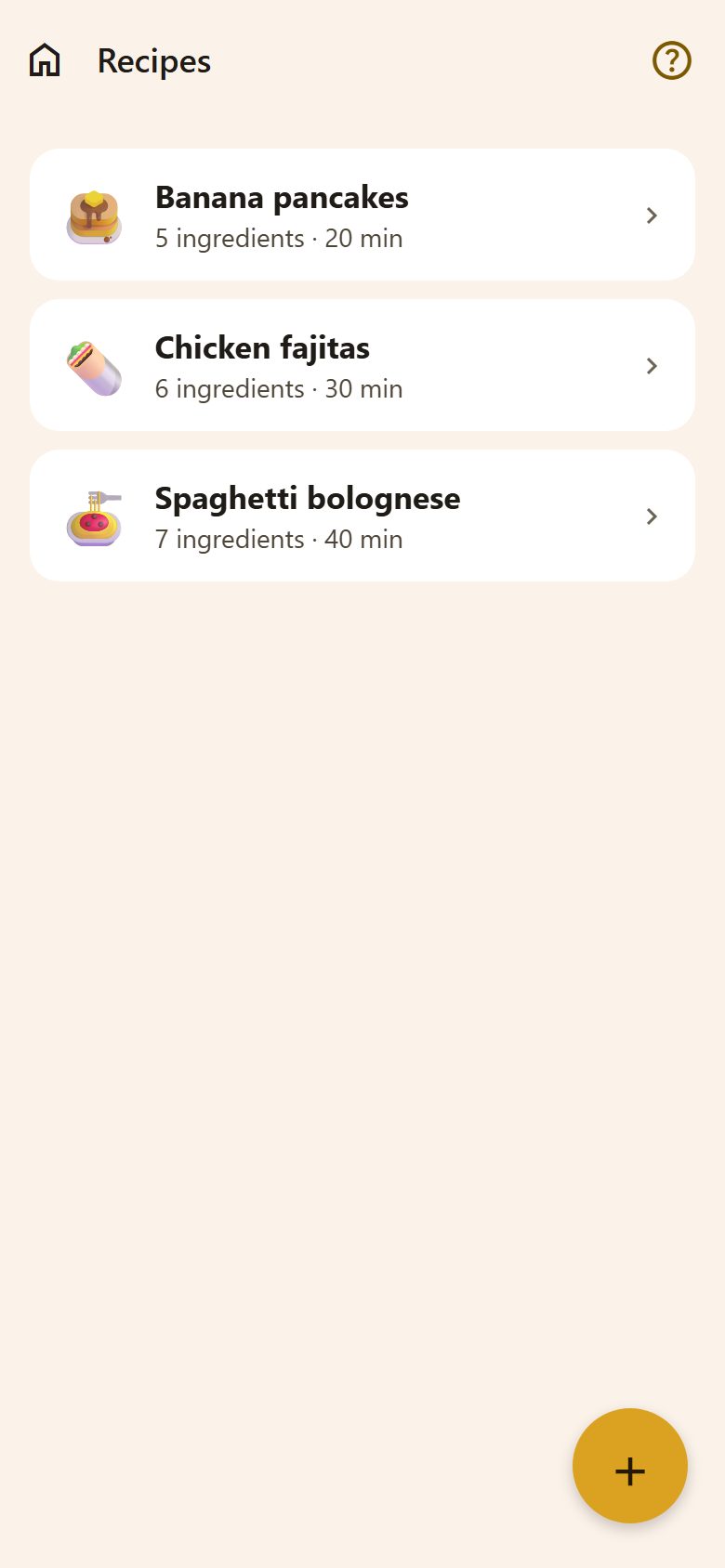
Adding a recipe
+ at the bottom right of Recipes, then one of two ways:
- New recipe — write it yourself.
- From a link — paste the address of a recipe on a website (BBC Good Food, gotvach.bg and many others). Lanibo reads the name, time, servings, ingredients and method, and shows you what it read before saving — fix anything, then save.
If a page can't be read, you can enter it yourself by pasting the ingredients, or — for a parent with the AI assistant on — ✨ Read it with AI (1 request).
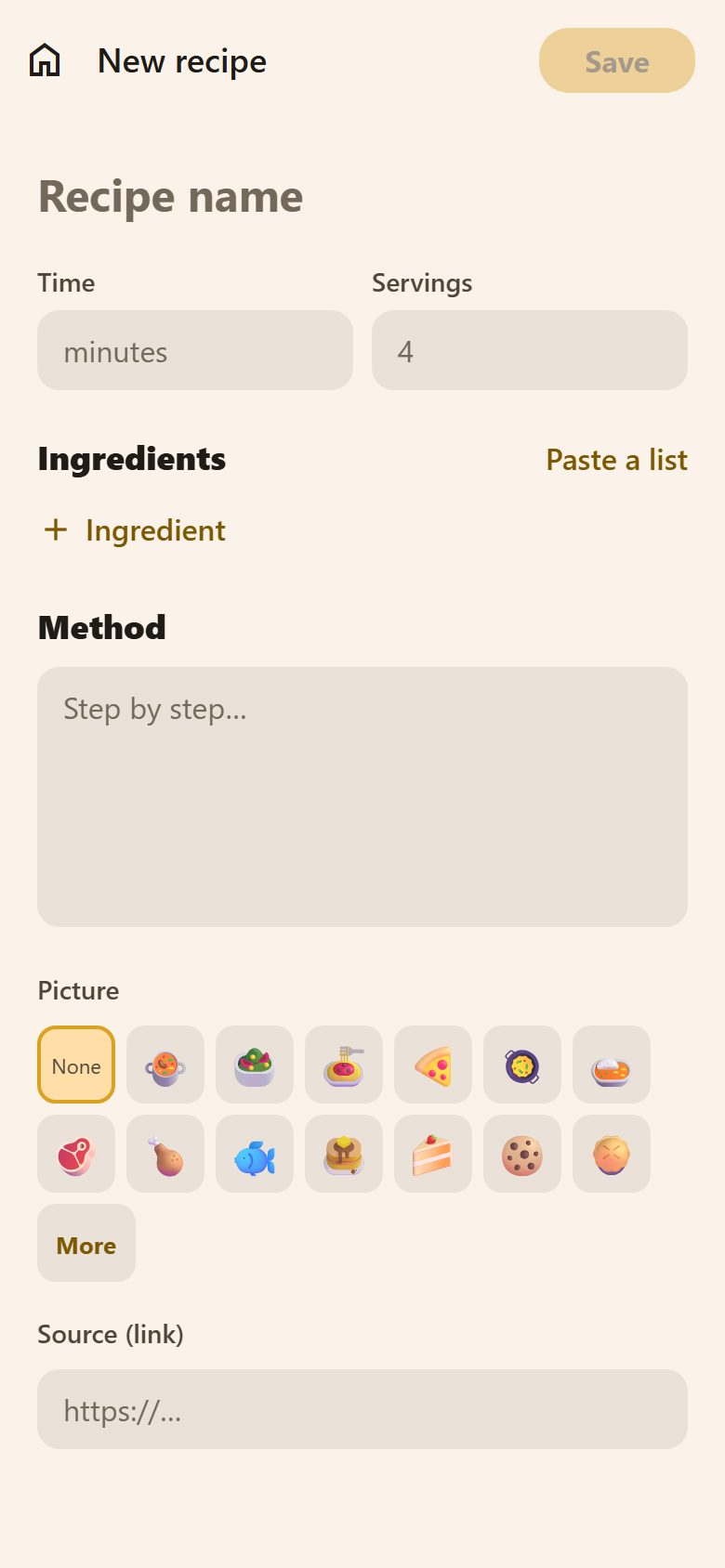
| Field | What to write |
|---|---|
| Recipe name | "Spaghetti bolognese". |
| Time and Servings | Minutes, and for how many. |
| Ingredients | + Ingredient one by one, or Paste a list — one a line; amounts are recognised ("400 g spaghetti", "2 cloves garlic"). |
| Method | Step by step. |
| Picture | 🍝 🍕 🥗 🥞… Pick one, or More for any emoji (how). |
| Source (link) | Where it came from — kept so you can go back to it. |
Cooking
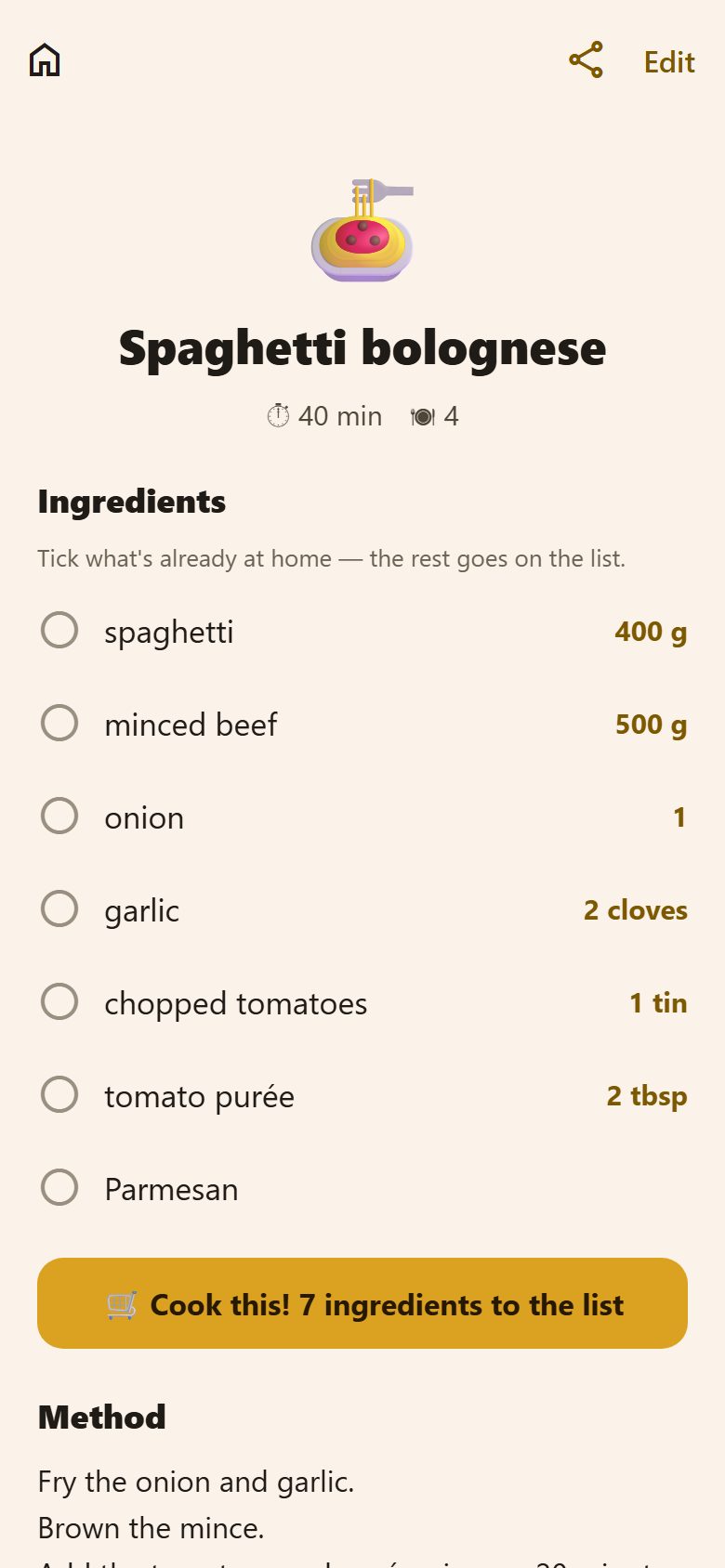
Open a recipe and tick the ingredients already at home. 🛒 Cook this! 7 ingredients to the list puts the rest on the shopping list — with their amounts — and says on which list.
Share at the top sends a link to the recipe to someone in the family; Edit changes it.
Questions
Which sites can it read? Most recipe sites mark their recipes in a standard way, and those work. If one doesn't, the paste or the AI way still does.
Can children add recipes? Yes — the cookbook is the whole family's.